 Joli Table Of Contents Pro
The Most Powerful WordPress Table of Contents Plugin
Seamless integration. Fast & Easy to Customize. Joli Table Of Contents makes your WordPress content easy to digest and increases user engagement & retention.
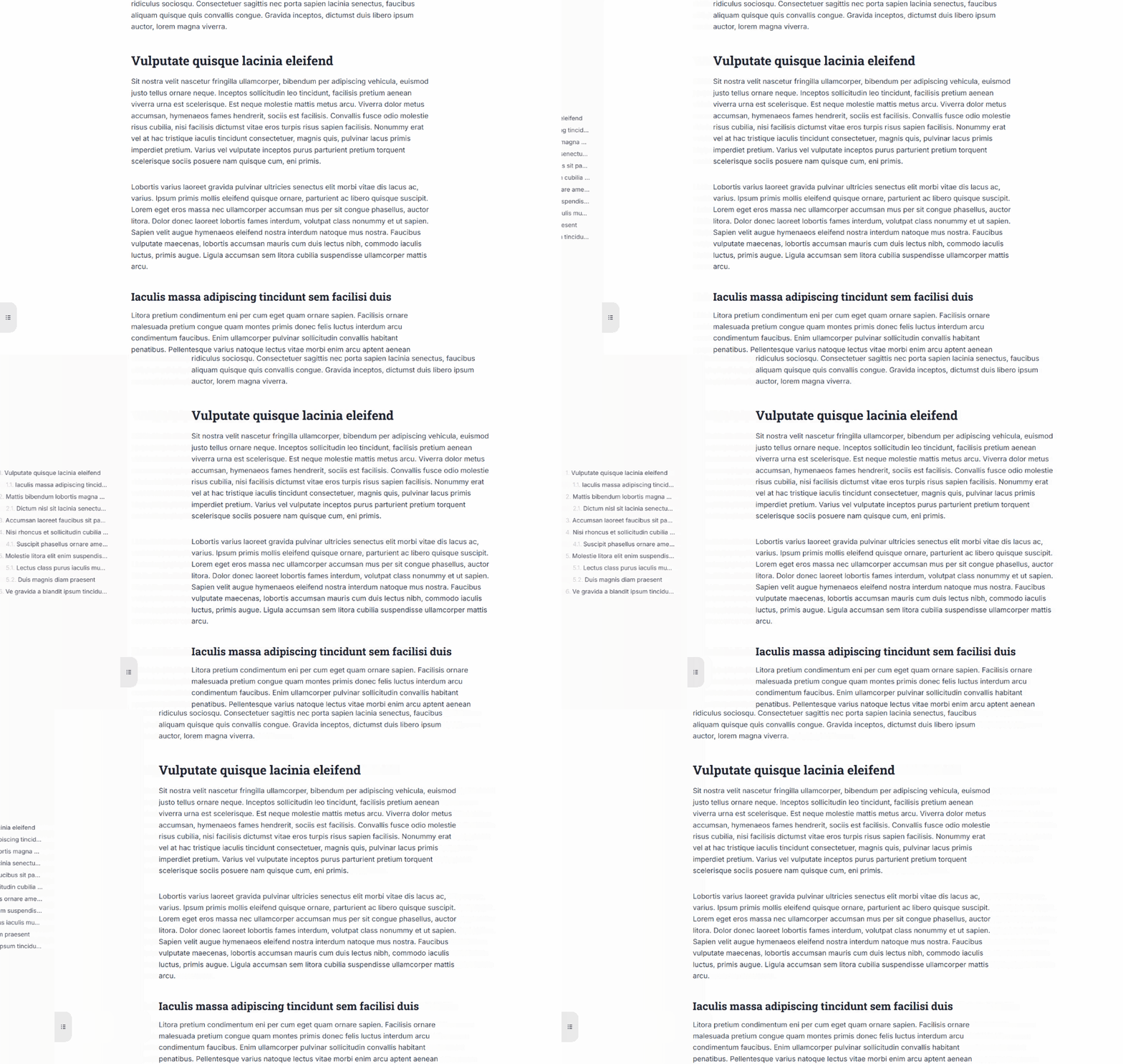
Always visible, always helpful
Keeps the full outline in sight as readers scroll, ideal for long-form guides, documentation, and tutorials.
Trusted by 8,000+ users and industry leaders


What's New in v3
The Biggest Update in Joli TOC History
Version 3.0 is a ground-up rebuild: new themes, a completely redesigned admin, powerful new features, and a faster rendering engine. All shipped as a seamless update.
8+ New & Upgraded Themes
Including Dark Mode support
Redesigned Settings Page
With Live Preview & search bar
Timeline TOC Mode
Proportionally spaced markers
Faster Engine
Selective CSS loading & improved processing
we got you covered
Your Website Deserves the Best
Joli Table Of Contents transforms how visitors experience your content and increases the value of your website.
Here is what you get, out of the box:
SEO Boost
Google loves structured content. Joli Table Of Contents makes your content easy to digest and SEO-boosted.
Lower Bounce Rate
Visitors will leave your website when they cannot find what they are looking for within seconds. Improve user retention and Click Through Rates.
Improved UX
A table of contents always within reach. Floating, Slide-out, Sticky, or Timeline: pick the mode that fits your content.
v3 Themes
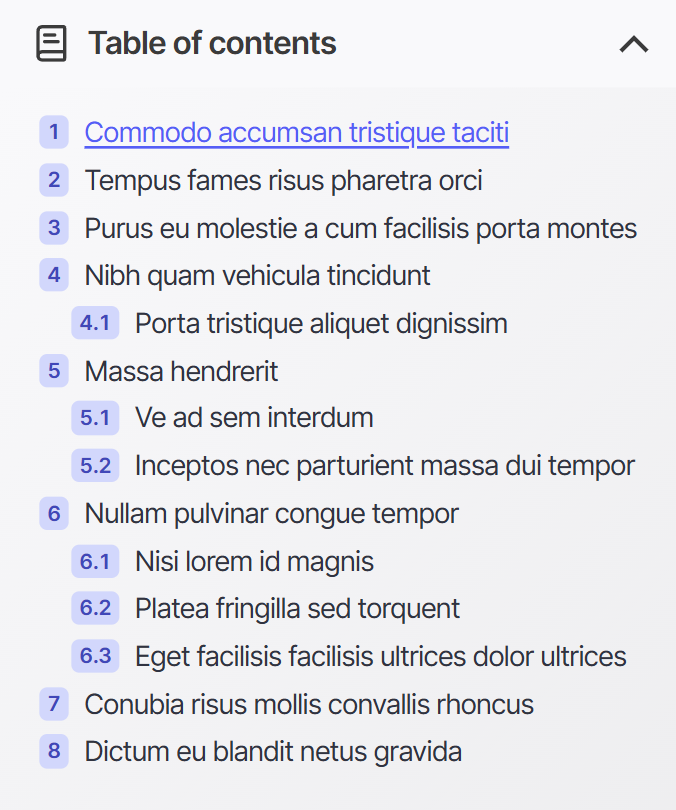

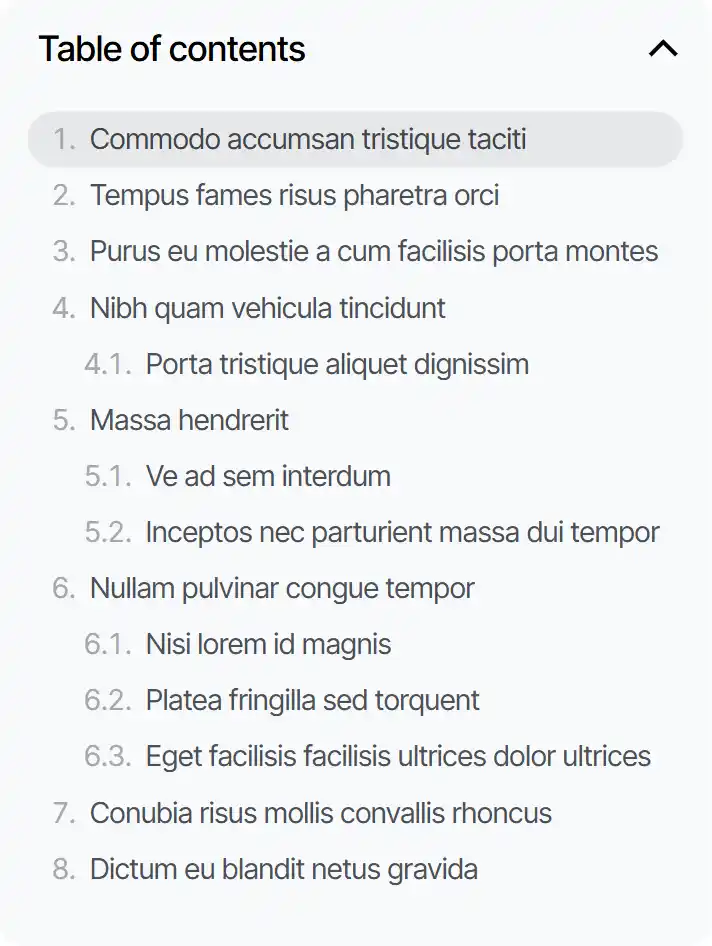

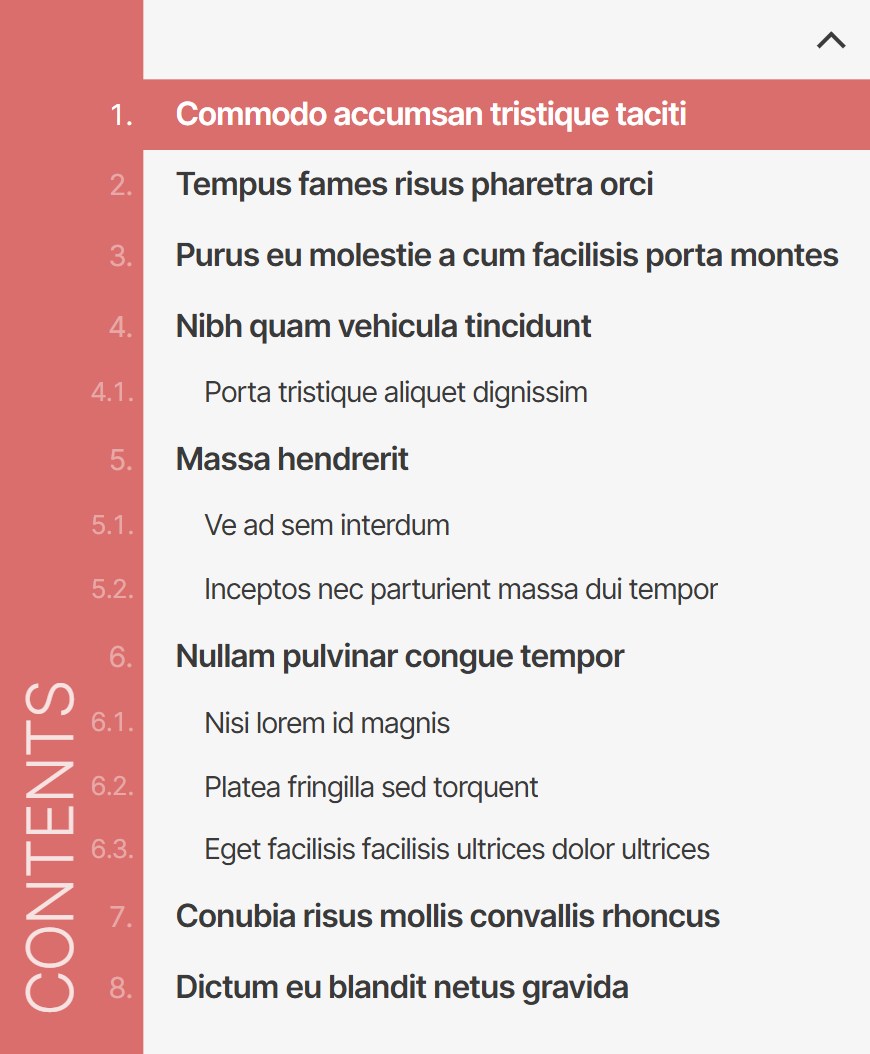
Beautiful Themes, Ready to Use
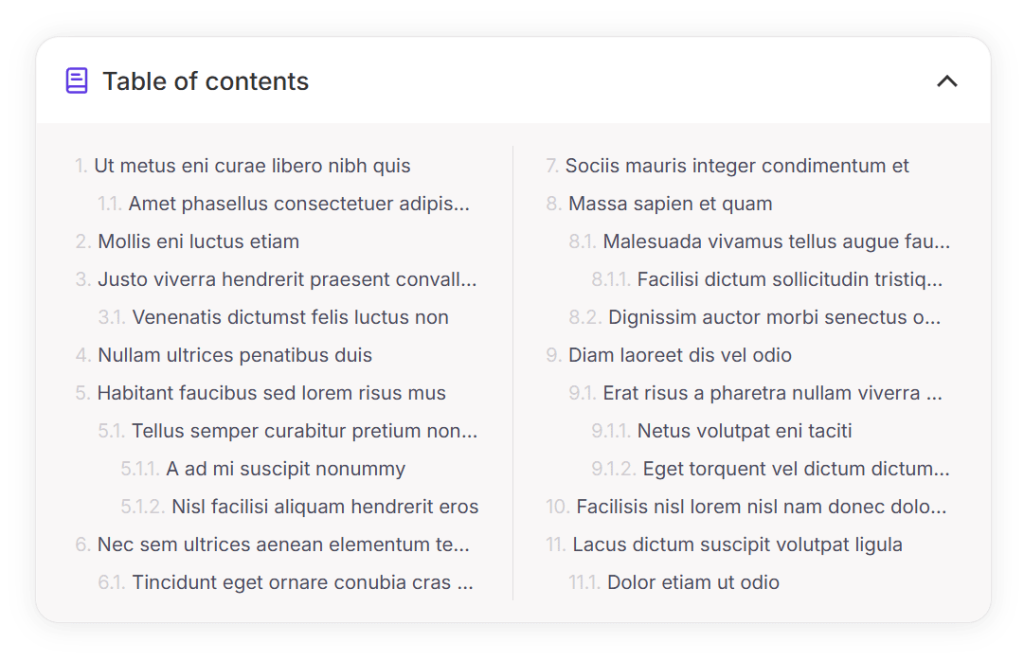
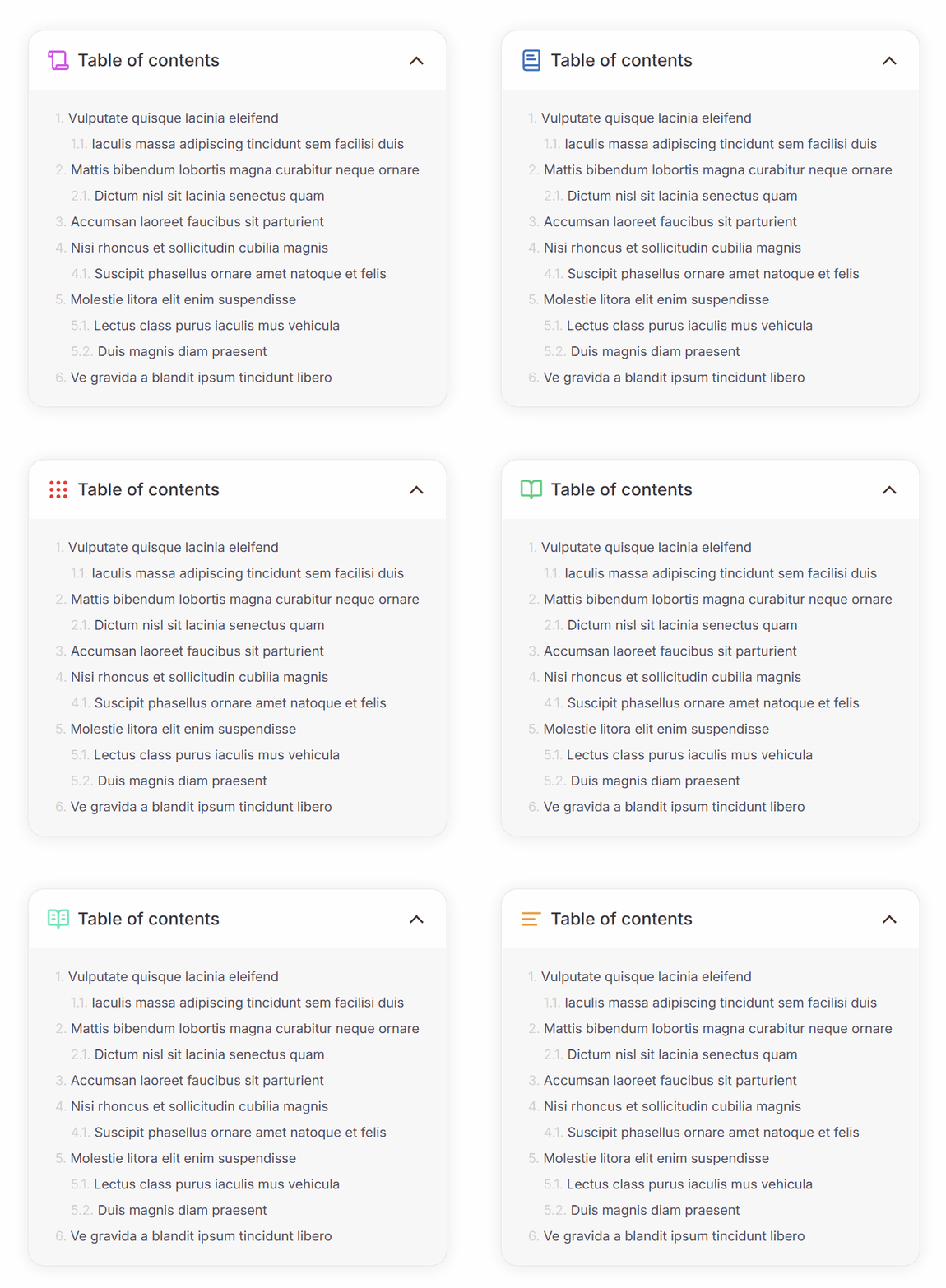
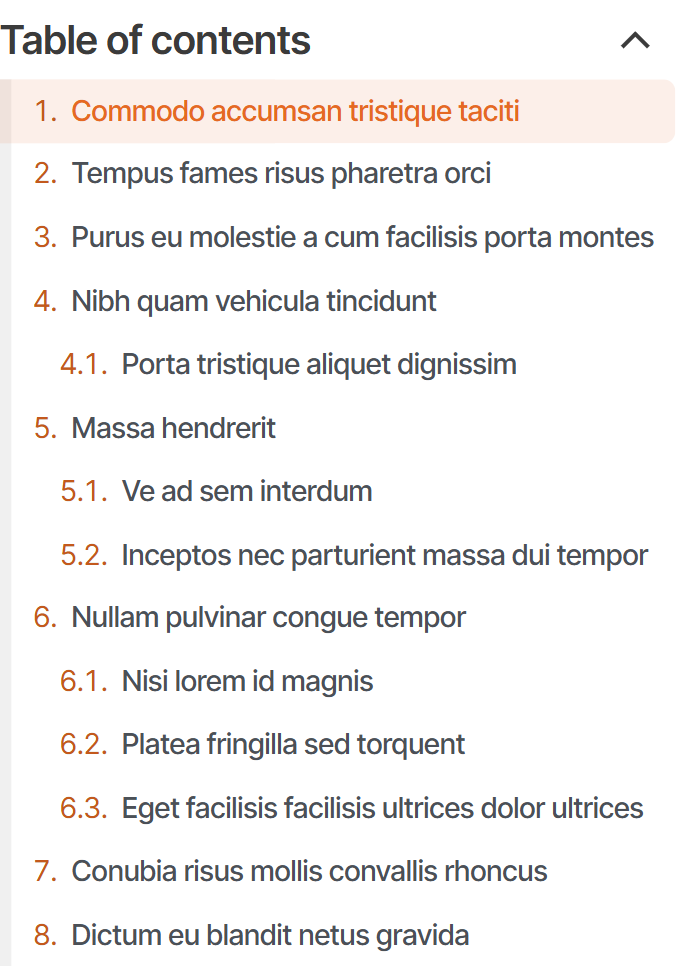

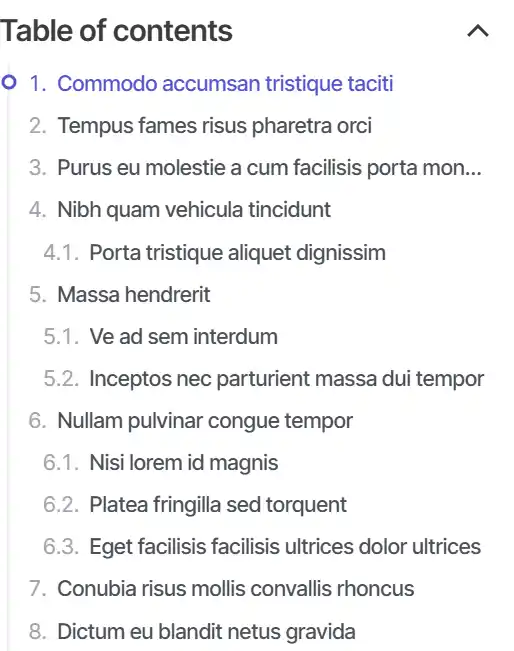


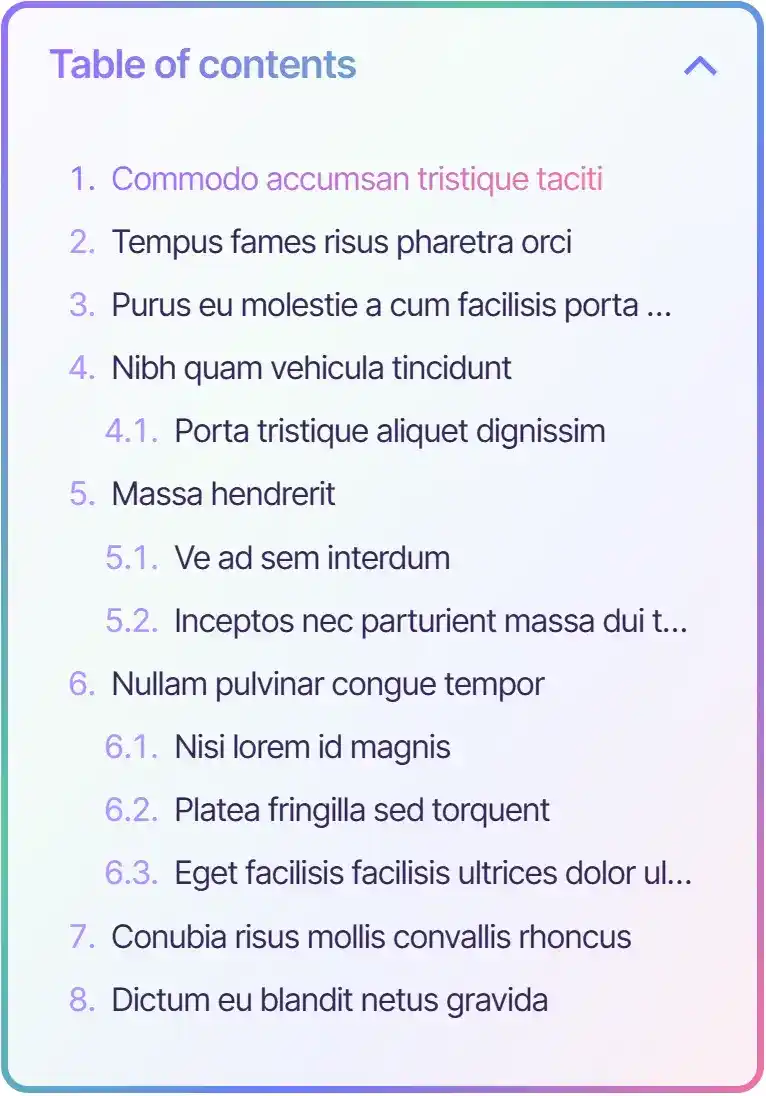

Choose from a growing library of professionally designed themes, each with its own style variants, dark mode support, and fine-grained customization options.
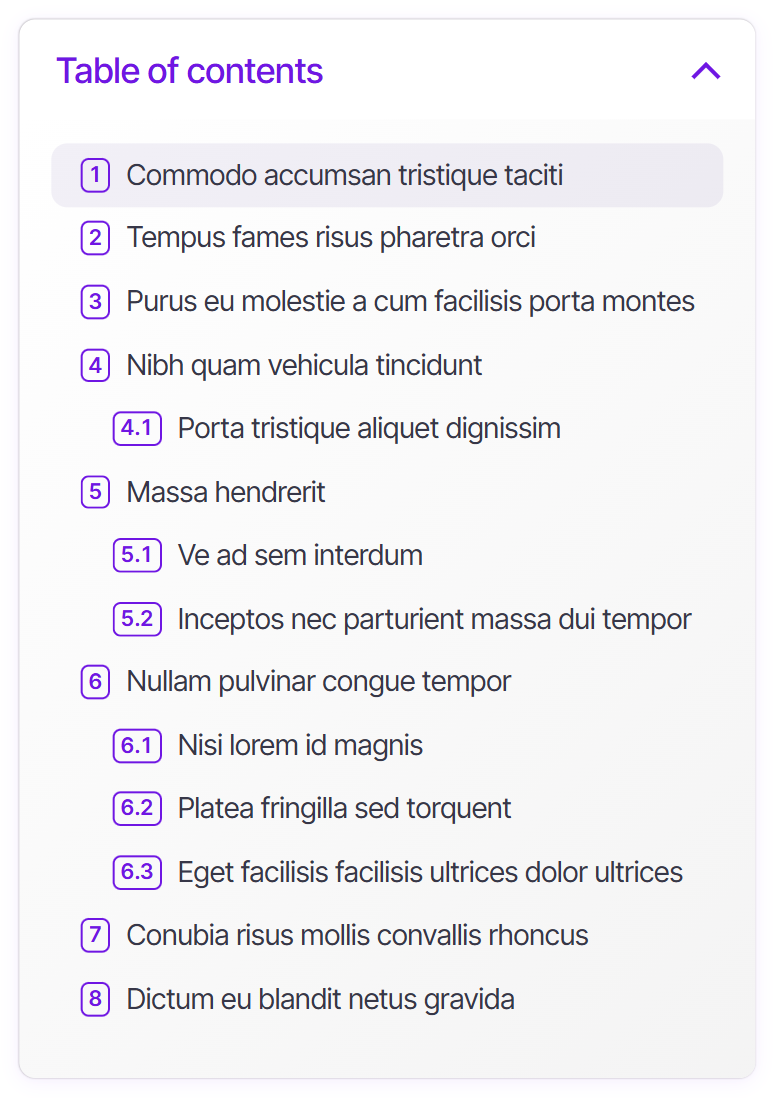

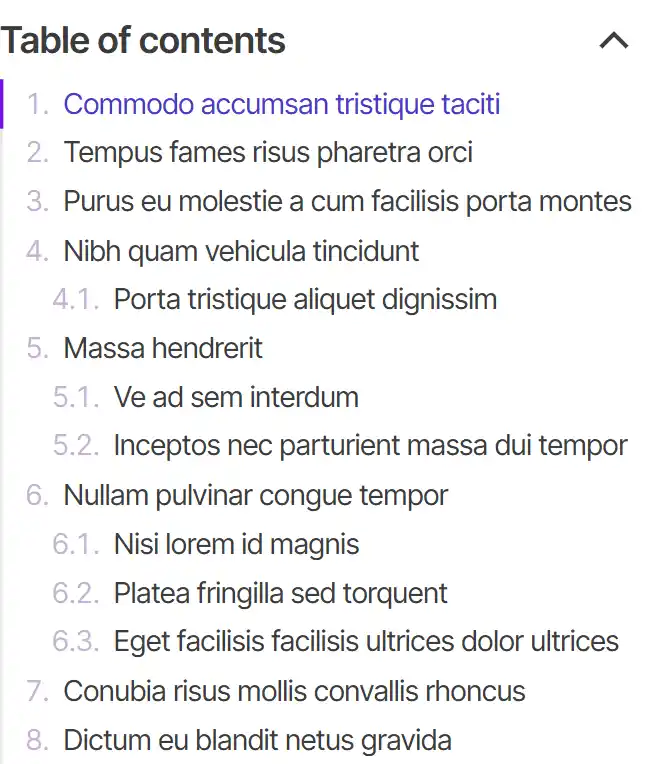

Dark Mode
Your themes, in the dark
All v3 themes now include a polished dark mode variant. Activate it in one click.
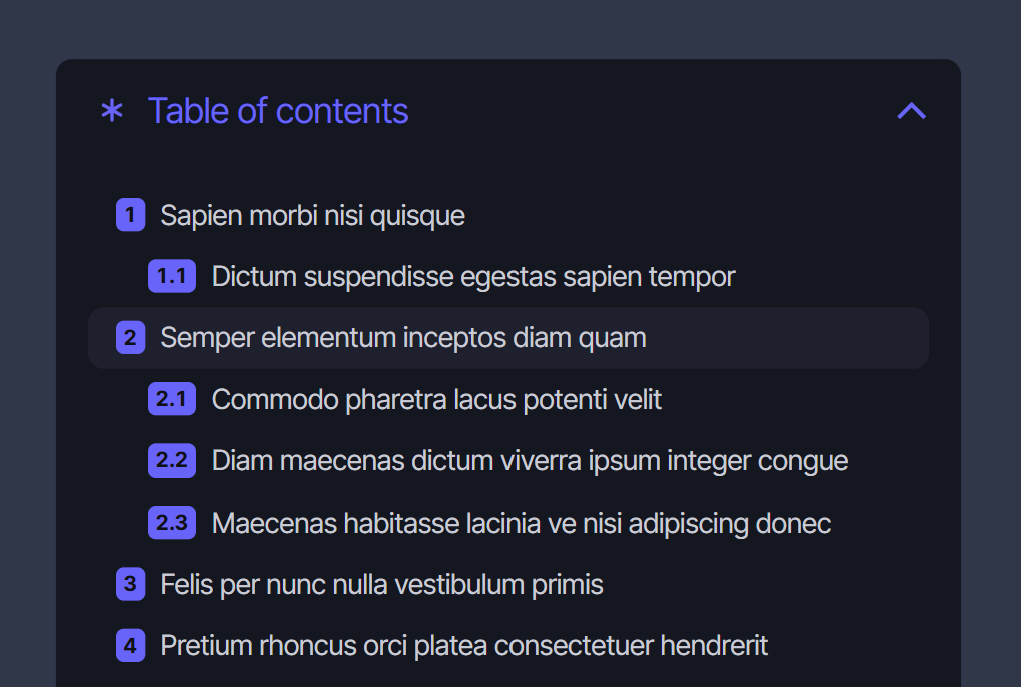
New in v3
One Color. Whole TOC Transformed.
Previous versions required setting a separate color for every element: hover states, numbering, borders, badges, one by one. v3 changes that completely.
The new Color Palette system uses a small set of semantic colors that cascade intelligently across your entire TOC. Set your website's accent color once, and every theme-specific detail adapts automatically. And every color you define in the palette becomes a reusable swatch, available across all settings to override any specific element if needed.
Just set your Accent color
The Accent color is the single most impactful setting in Joli TOC. Update it to match your brand and watch your entire table of contents adapt: numbering badges, hover colors, active indicators, underlines, and more.
Before v3
Many fields to update manually
With v3
All related elements update automatically. One field. Done.
The full palette, for when you want more control
The 3 base colors handle 90% of use cases out of the box. Extended and Extra colors are there when you want to go further.
Every color you define automatically appears as a swatch throughout the settings panel, so you can apply any palette color to any specific element with a single click.
Base Colors
Covers 90% of your styling
Background · color 1
TOC container background
Text · color 2
Heading links and labels
Accent · color 3
The most impactful color: numbering, hover, highlights
Extended Colors
Fine-tune specific elements
Accent 2 · color 4
Secondary accent for sub-elements
Surface · color 5
Backgrounds for inner elements
Extra Colors
Full creative control
Theme-specific slots for advanced per-element overrides.
Effortless editing
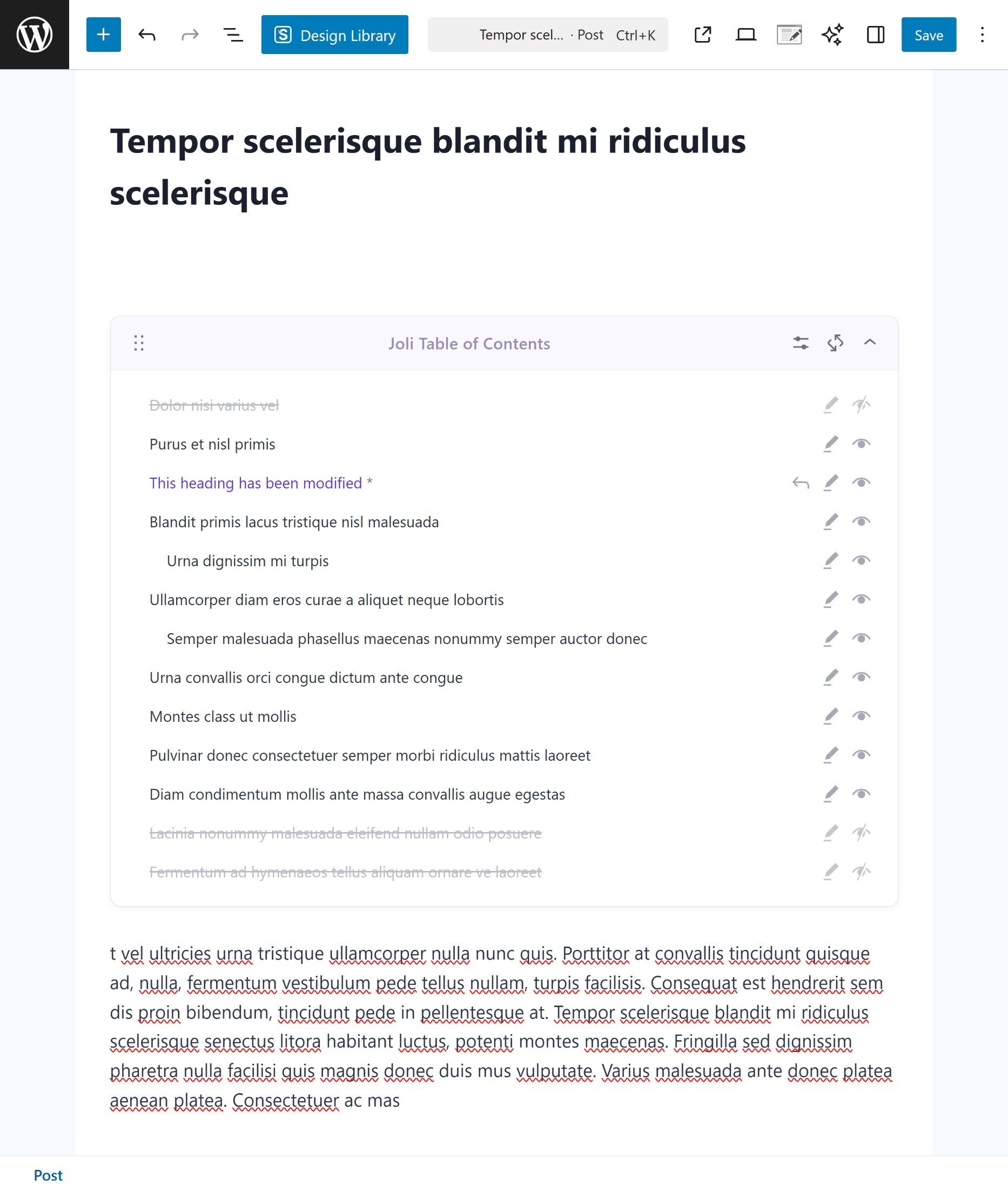
Take full control of your headings inside Gutenberg
The Gutenberg TOC Block gives you the flexibility to create a clean, reader-friendly TOC without extra steps.
-
Edit any heading directly within the block.
-
Hide specific headings you don't want to display
New in v3
A Settings Page You'll Actually Enjoy Using

The admin has been completely rebuilt for v3: faster to navigate, easier to configure, and with a live preview so you see every change before it goes live.
Settings Search Bar
Find any setting instantly with the built-in search. No more hunting through tabs.
Live Preview Panel
See your TOC update in real time as you tweak settings, right inside the admin.
Onboarding Wizard
First-time setup is now guided step by step. Get a perfect TOC in minutes, not hours.
Color Palette System
Define reusable brand colors once and apply them anywhere. Consistent styling made effortless.
Import Presets
Get started instantly with curated configuration presets. Just pick one and go.
Improved Color Picker
The upgraded color picker now integrates with your Color Palette for consistent, brand-matched styling.
Keep it tidy
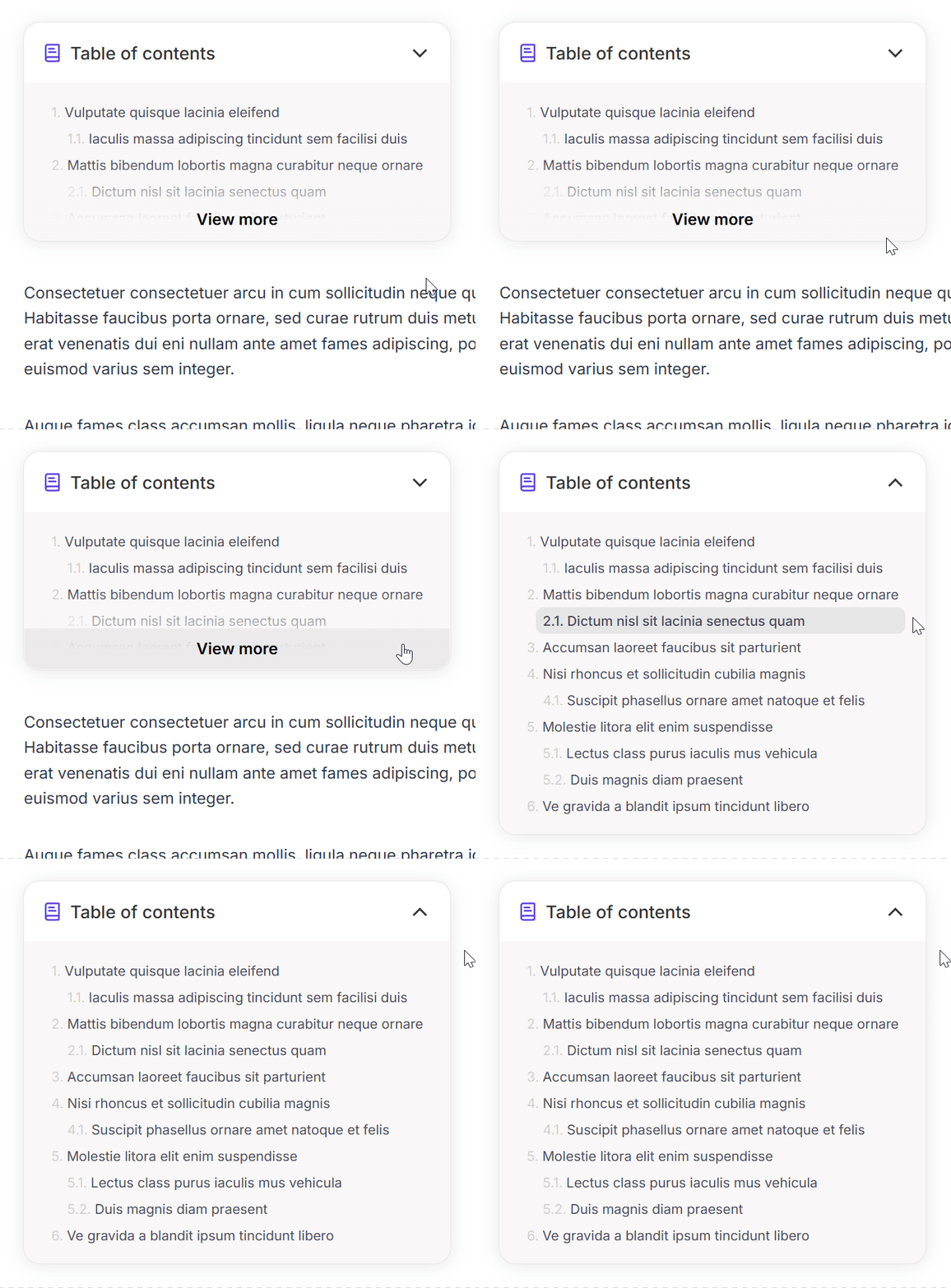
Show readers just enough to get them started
Long TOCs can overwhelm before the reader even begins. Partial fold shows only the first few headings upfront, with a simple button to expand the rest.
A lighter first impression keeps readers engaged rather than intimidated.
Always accessible
Guide readers with a floating TOC widget
Never let your readers lose their place with the floating TOC.
-
Stays visible at the top or bottom of the screen while scrolling.
-
Highlights the current section automatically.
-
Optional navigation buttons.
-
Expands to show the full TOC.
-
New widget modes in v3: Active heading (standard mode), TOC Title, Custom icon, and Custom text.
New in v3

Let readers focus with collapsible headings
Give your audience control over the depth of detail they see. With collapsible headings, sub-sections fold away until the reader is ready, reducing visual noise and making long TOCs feel much more manageable.
-
Sub-headings collapse with a smooth animation.
-
Readers expand only the sections they care about.
-
Works seamlessly with Dynamic Unfold for hands-free navigation.
-
Fully compatible with all v3 themes.
New in v3
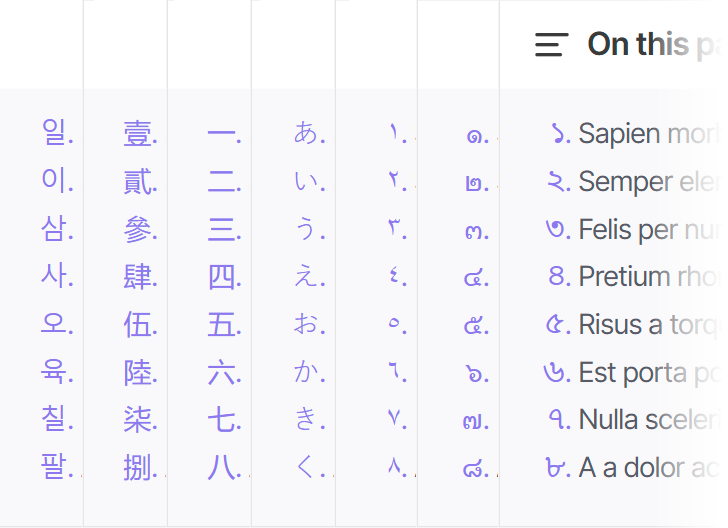
Number your TOC your way, in any language
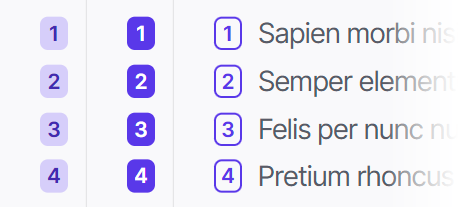
Numbering is no longer one-size-fits-all. v3 introduces regional numbering formats and full control over badge appearance, so your TOC matches not just your design, but your audience.
-
Regional numbering: Arabic, Persian, Devanagari, Thai, and more.
-
Badge background color and text color fully customizable.
-
Three badge style variants: Soft, Solid, and Outline.
-
Works seamlessly with RTL languages.
New in v3

A TOC that's easier to read at a glance
When everything looks the same, nothing stands out. Style your top-level headings independently so the structure of your content is immediately clear, even before a reader clicks a single link.
-
Independent font size, weight, and color for top-level headings.
-
Add a separator line between top-level entries.
-
Hide top-level numbering.
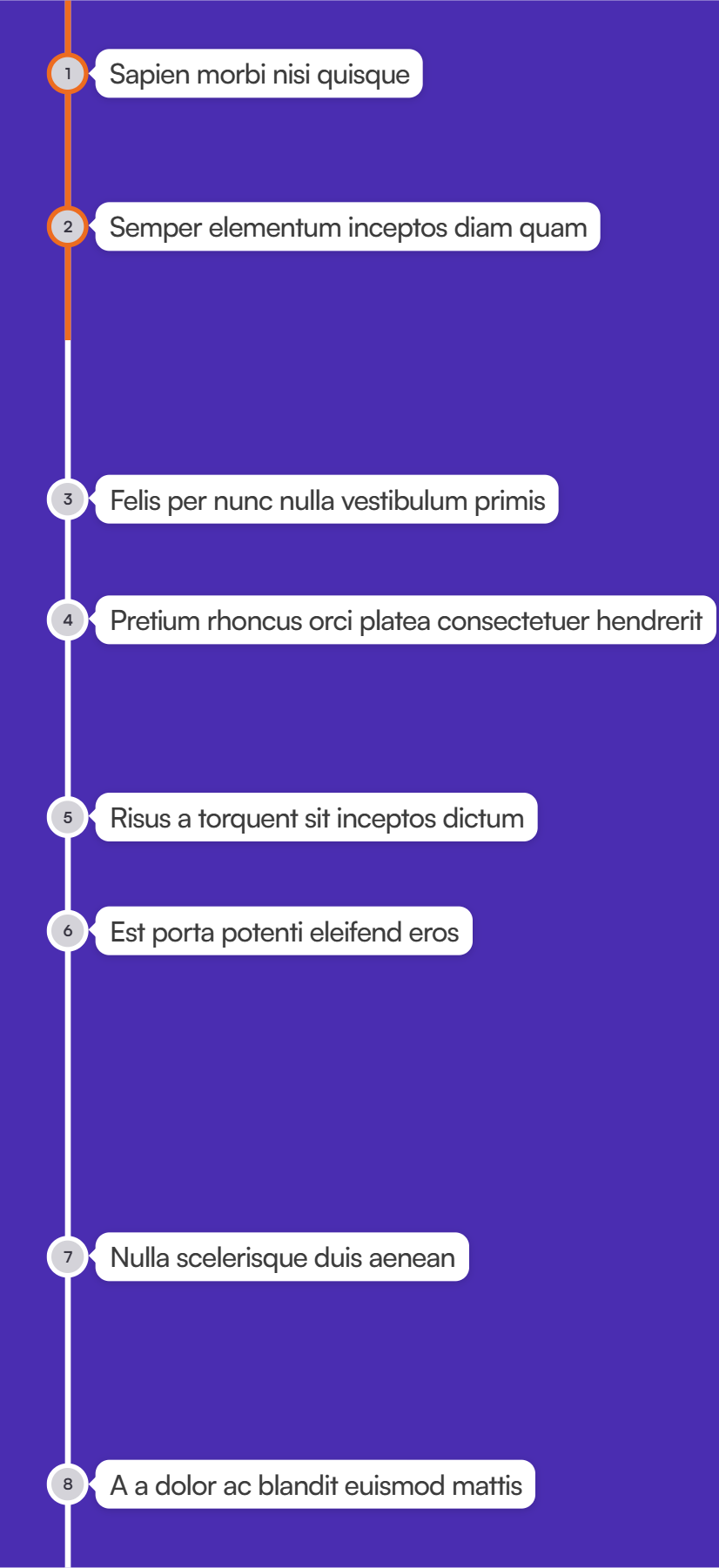
New in v3
Introducing Timeline TOC
A revolutionary new way to visualize your content. Markers are placed proportionally based on actual content length, so readers instantly understand how much is ahead before clicking a single link.
Proportional spacing
Longer sections take up more space on the timeline, giving readers an honest preview of content density.
Live progress indicator
The active marker tracks scroll position in real time, so readers always know exactly where they are.
Fully themeable
Works with all v3 themes. Customizable line, marker, and accent colors to match your brand.