We’re excited to introduce Joli Table of Contents 3.0 — the most signifiant update since the plugin was launched.
This release focuses on:
- 🎨 Better design flexibility
- ⚡ Improved performance
- 🧠 Easier configuration
- ✨ Powerful new features
Whether you’re a new user or a long-time user, version 3.0 makes building beautiful and effective Table of Contents easier than ever.

🎛️ A Brand-New Settings Experience
Version 3.0 introduces a complete redesign of the settings interface. Everything is now faster, cleaner, and easier to use.
What’s New
- Fully redesigned settings page
- 🔍 Search bar to quickly locate settings
- 👀 Live Preview panel
- ⚡ Quick Settings panel
- 🎨 Improved color picker
- 📦 Import presets
- 🔐 Active session checker
The new interface helps you configure your Table of Contents in seconds instead of minutes.
👀 Live Preview: See Changes Instantly
No more guesswork. The new Live Preview panel lets you instantly see how your Table of Contents looks while adjusting settings. The preview is 100% accurate as it leverages an iframe as if it was a visitor viewing the TOC.
This makes styling:
- Faster
- More intuitive
- More precise
Perfect for quickly finding the right design.
🧭 New Onboarding Wizard
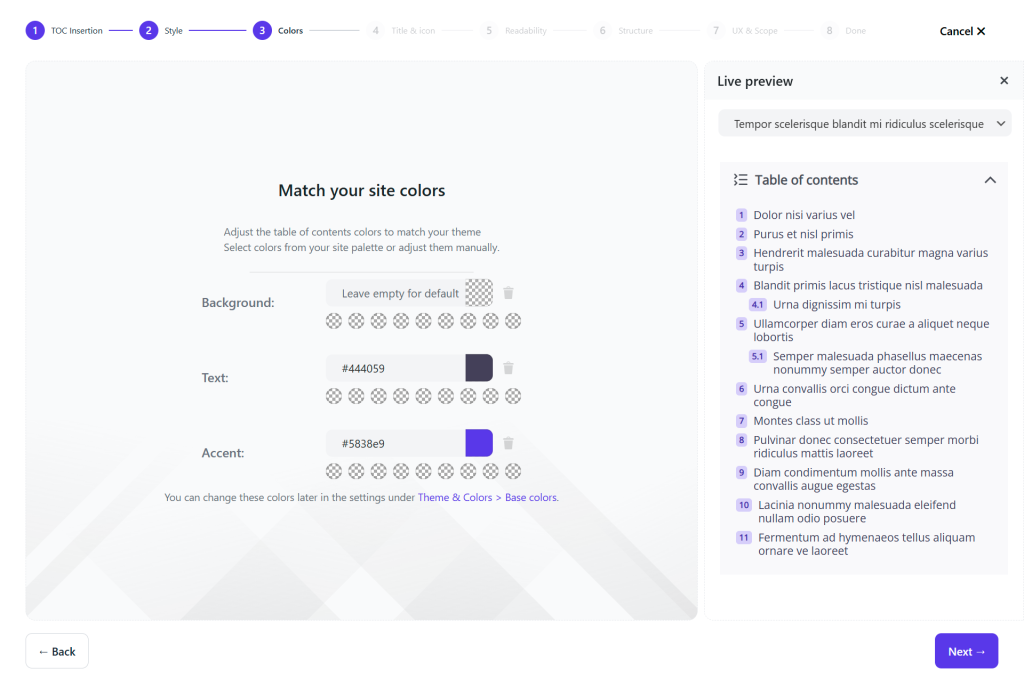
Getting started is now easier than ever with the new Onboarding Wizard.
New users can:
- Choose a theme
- Preview the TOC in real time as they move through the steps
- Configure key settings
- Get a polished Table of Contents instantly
Perfect for beginners and a great time-saver for everyone.
🎨 New Color Palette System
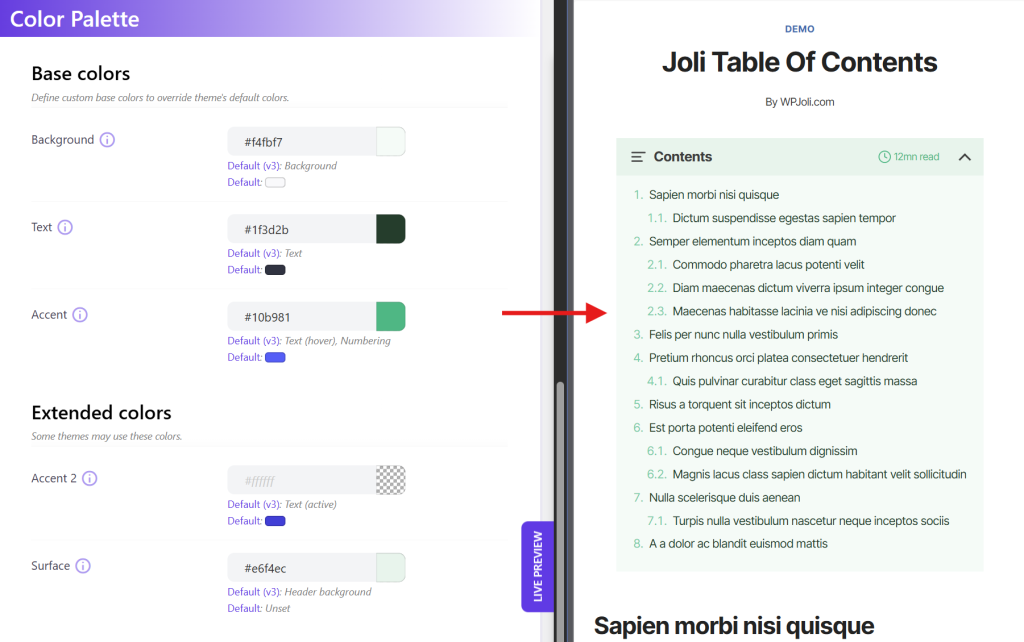
Adjusting your Table of Contents colors to match your brand’s has never been easier. Previous versions required setting a separate color for every element: hover states, numbering, borders, badges, one by one. v3 changes that completely.
The new Color Palette system uses a small set of semantic colors that cascade intelligently across your entire TOC. Set your website’s Accent color once, and every theme-specific detail adapts automatically. And every color you define in the palette becomes a reusable swatch, available across all settings to override any specific element if needed.
Benefits
- Consistent branding
- Faster customization
- Easier theme switching
Update colors once — apply everywhere.
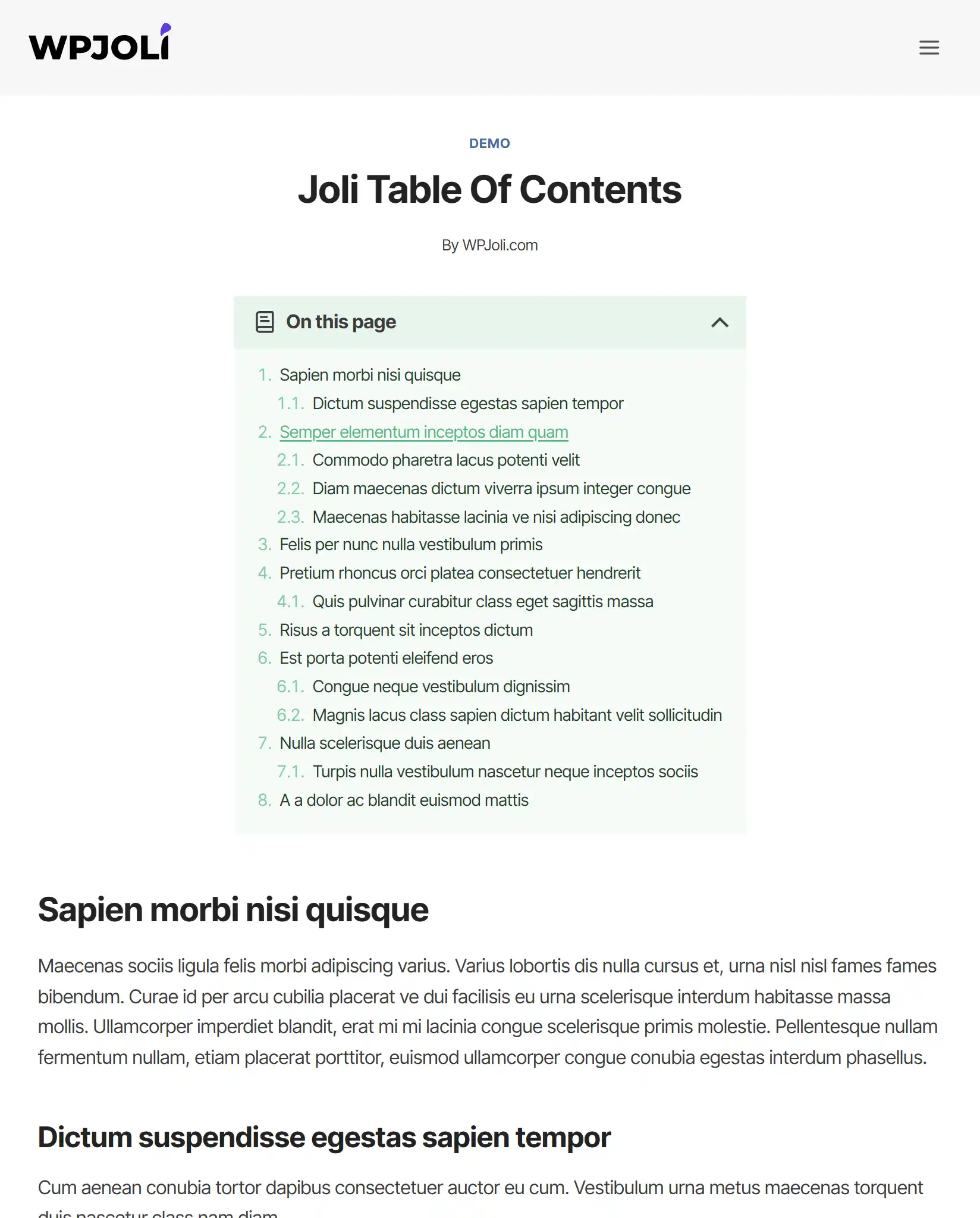
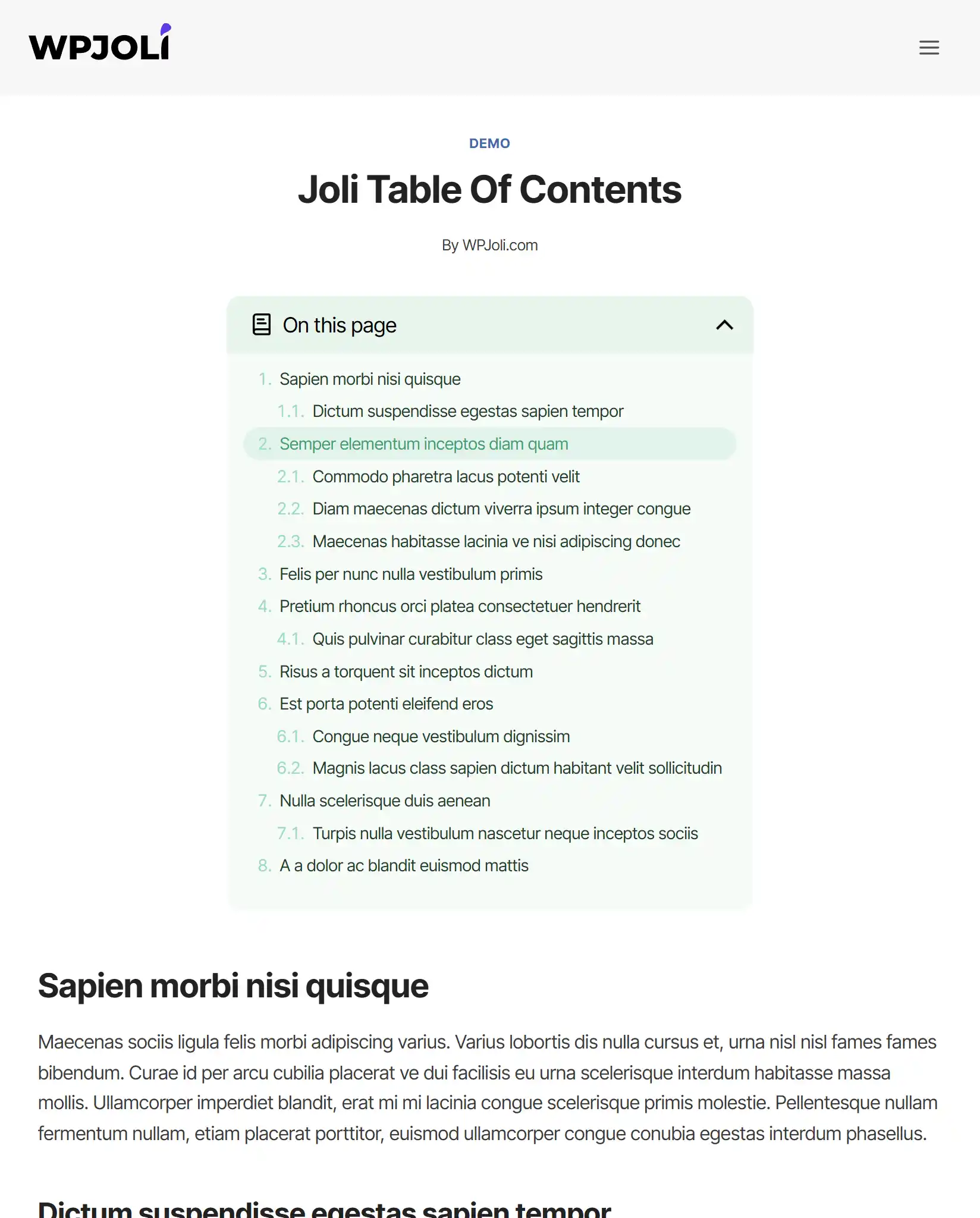
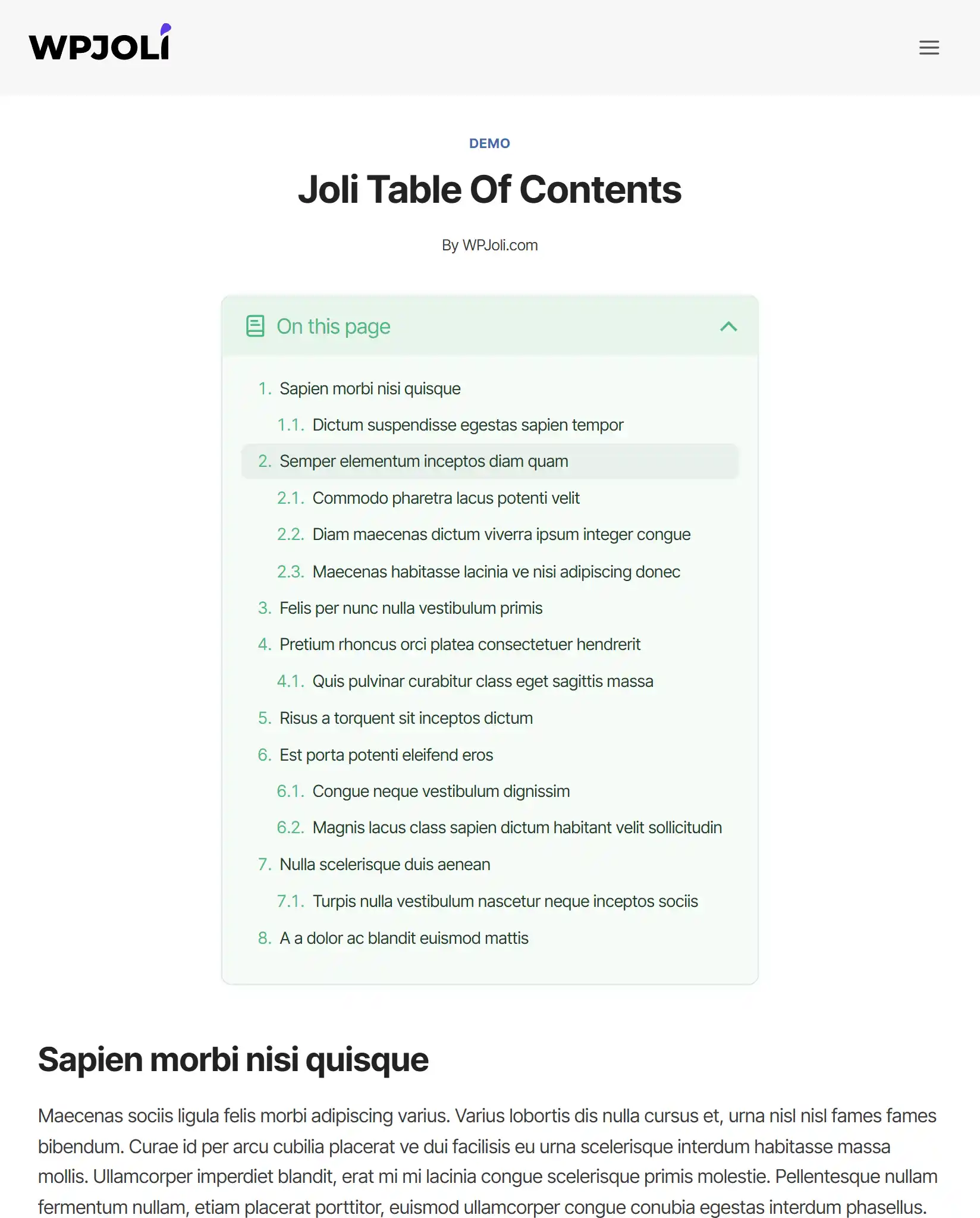
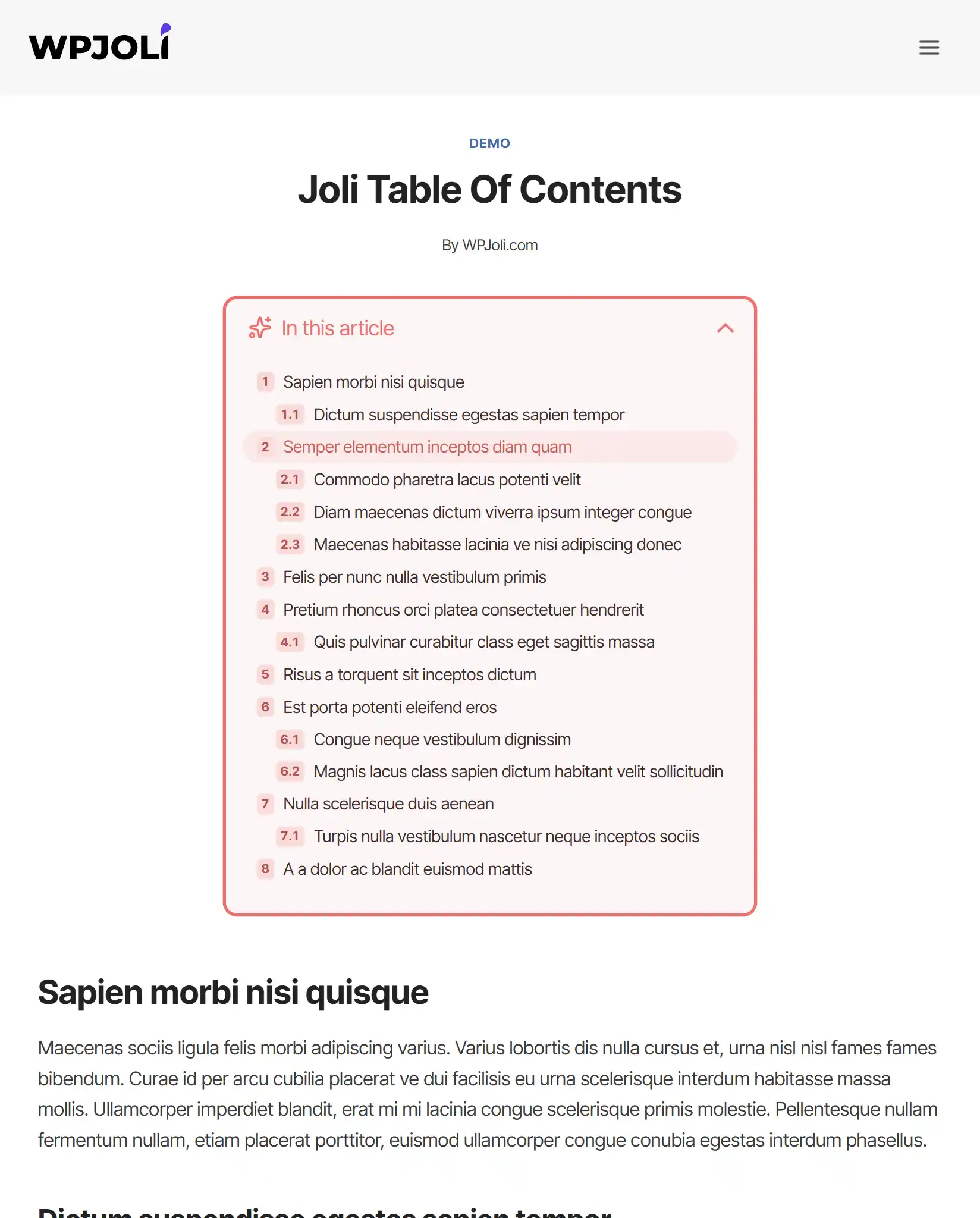
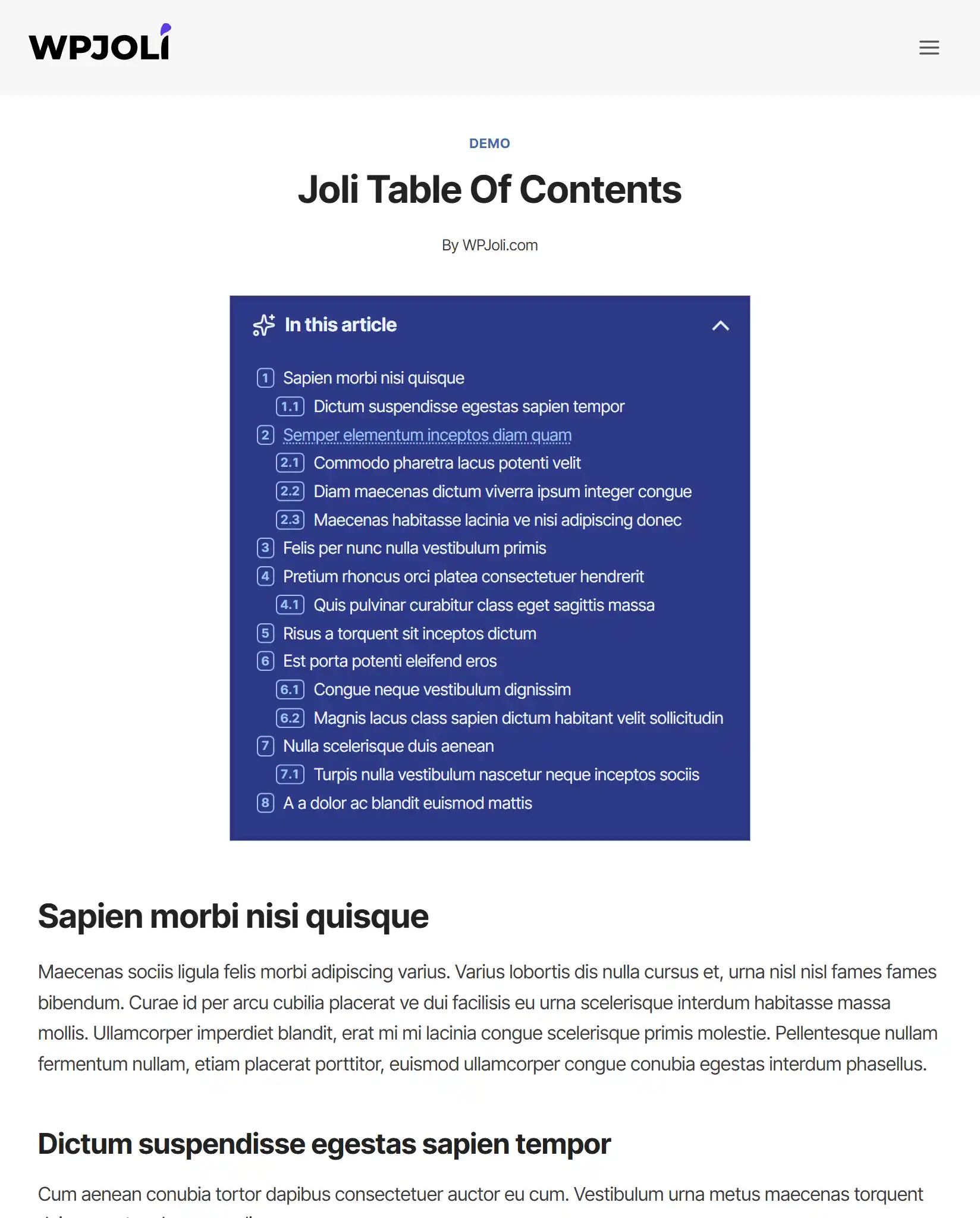
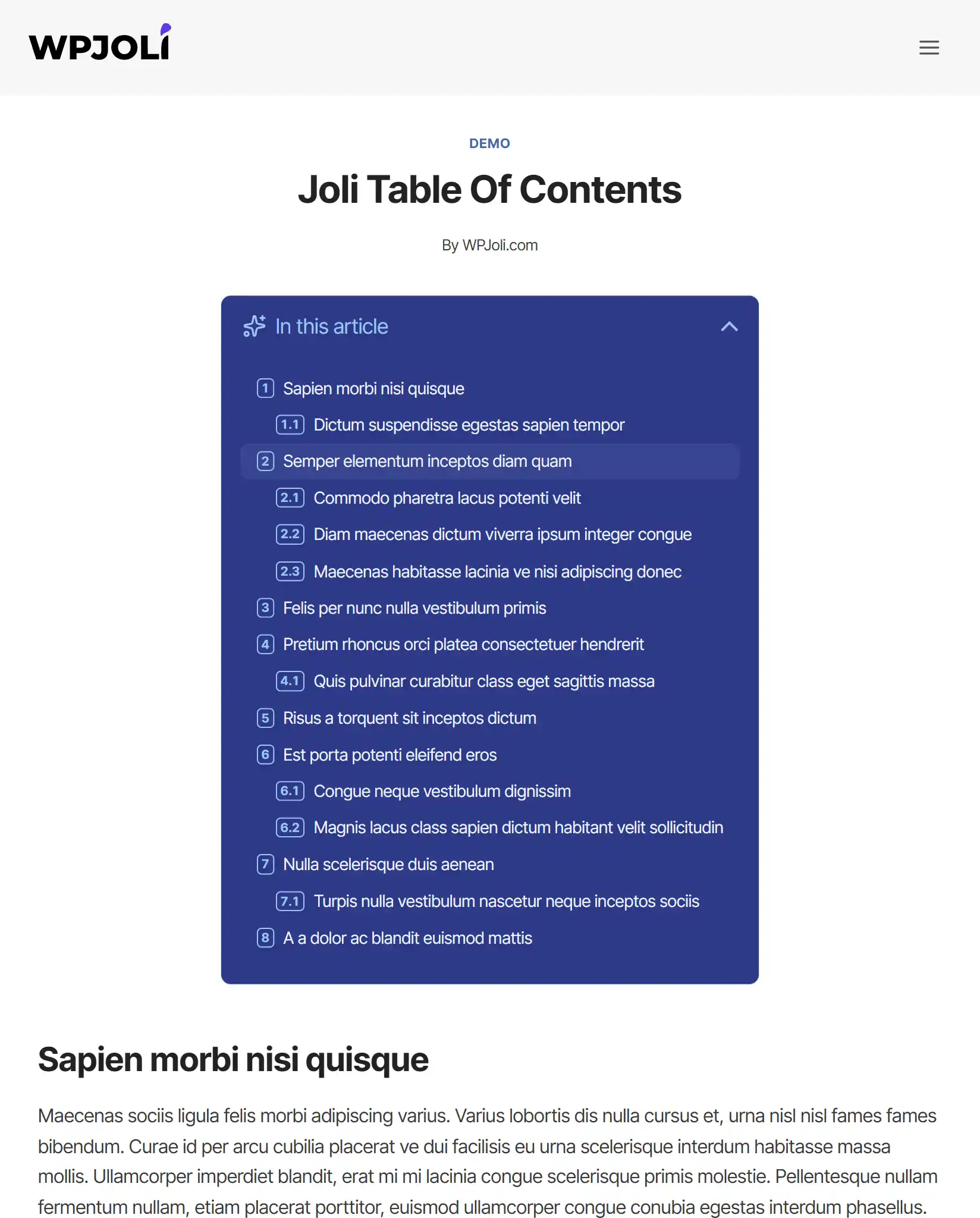
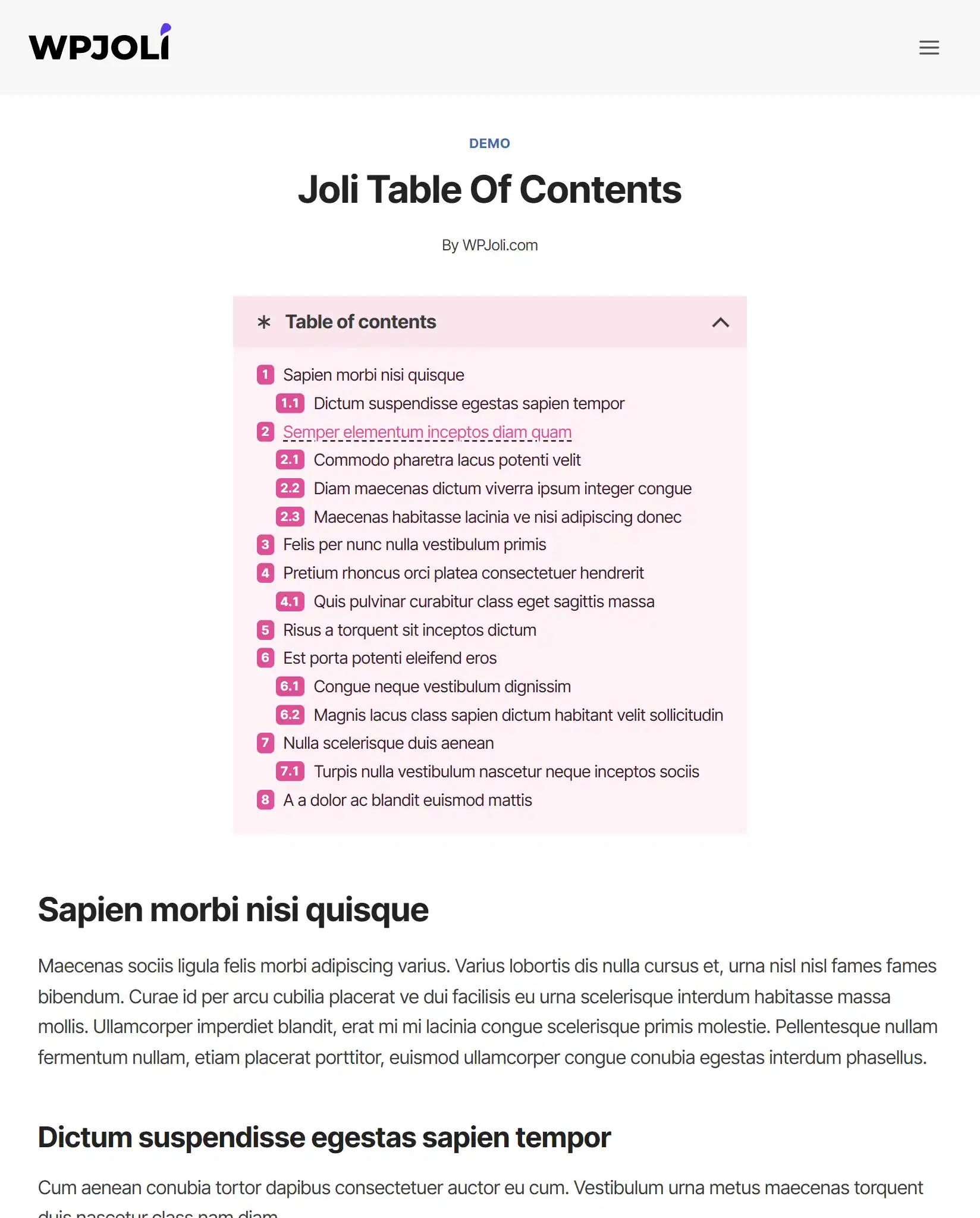
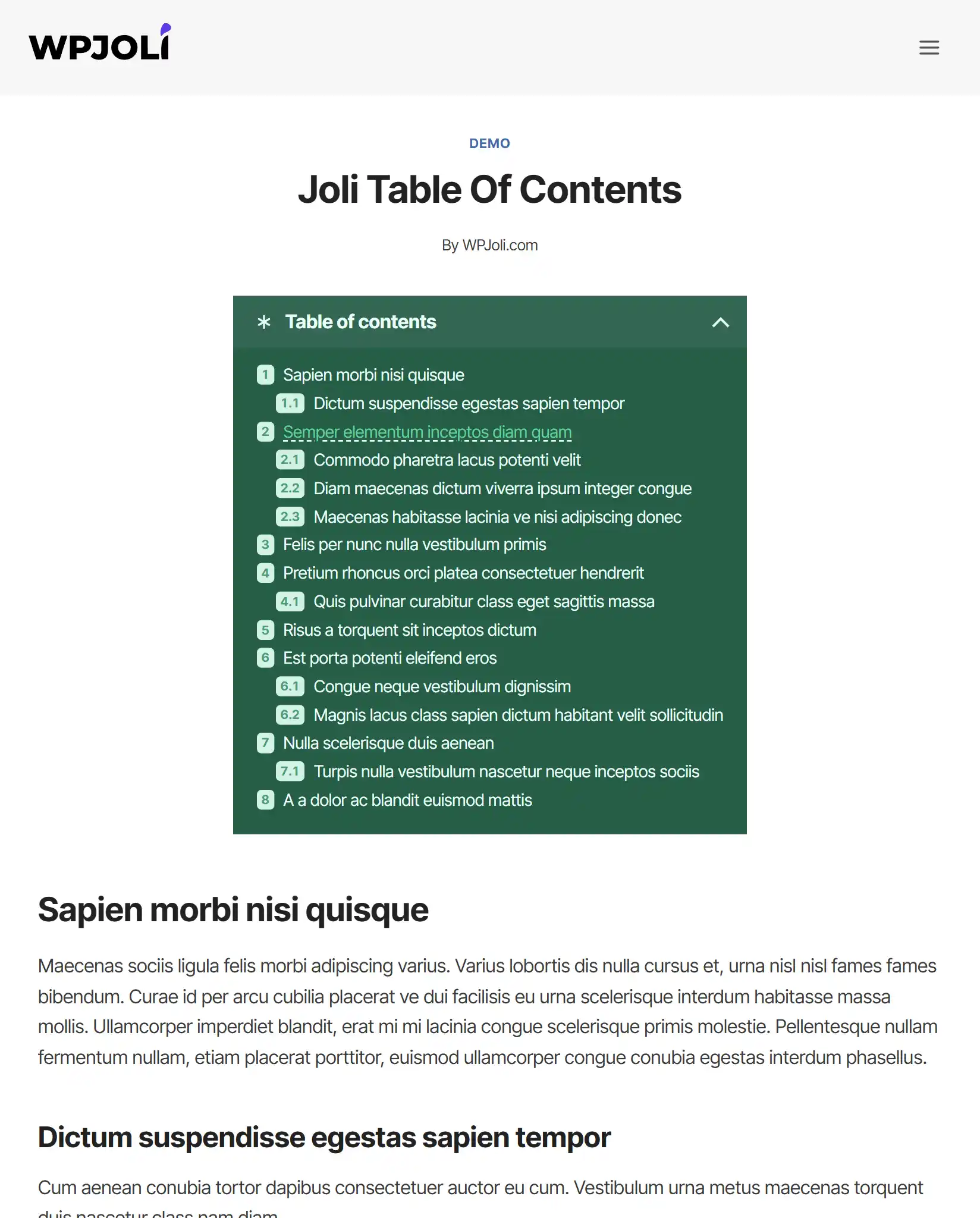
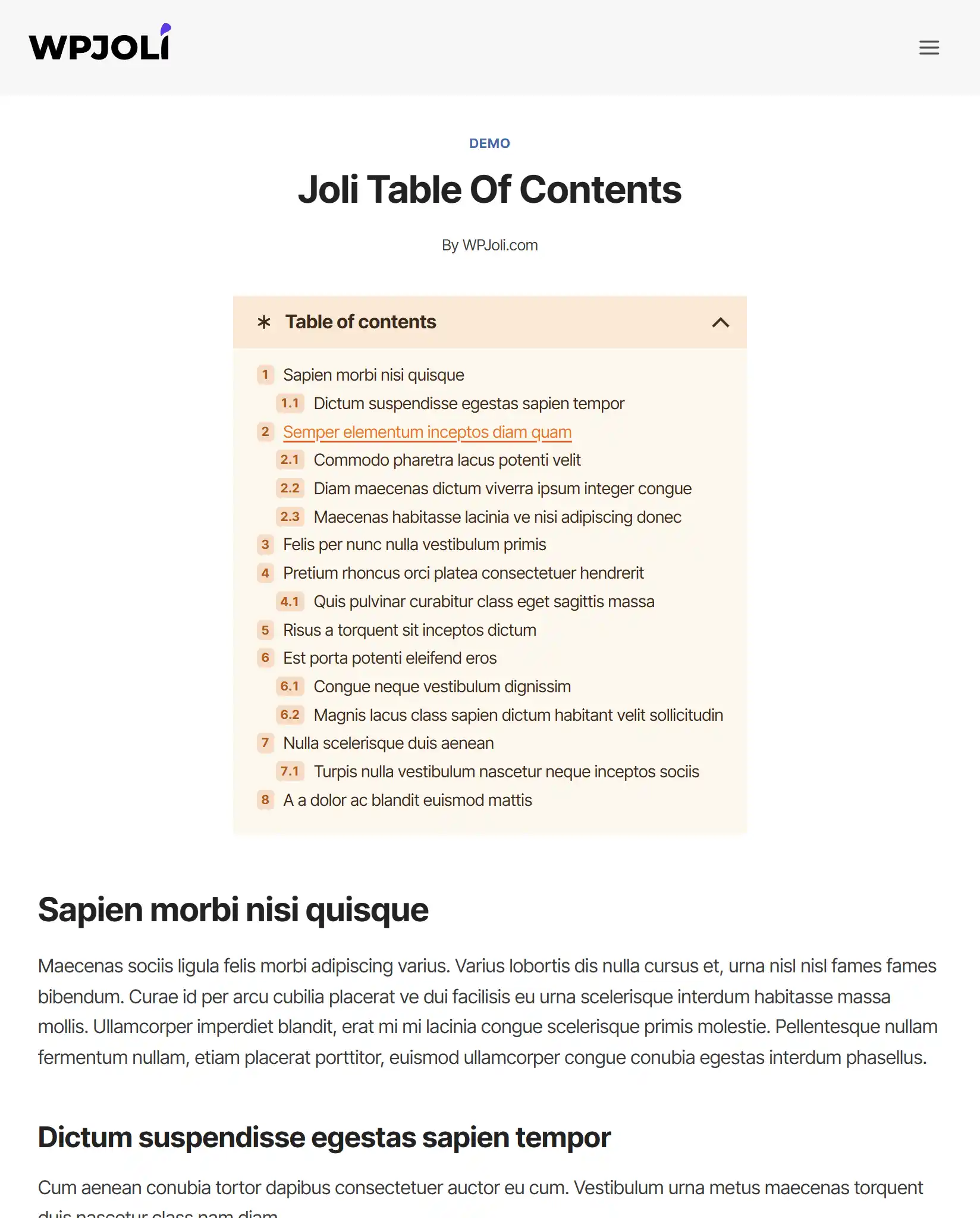
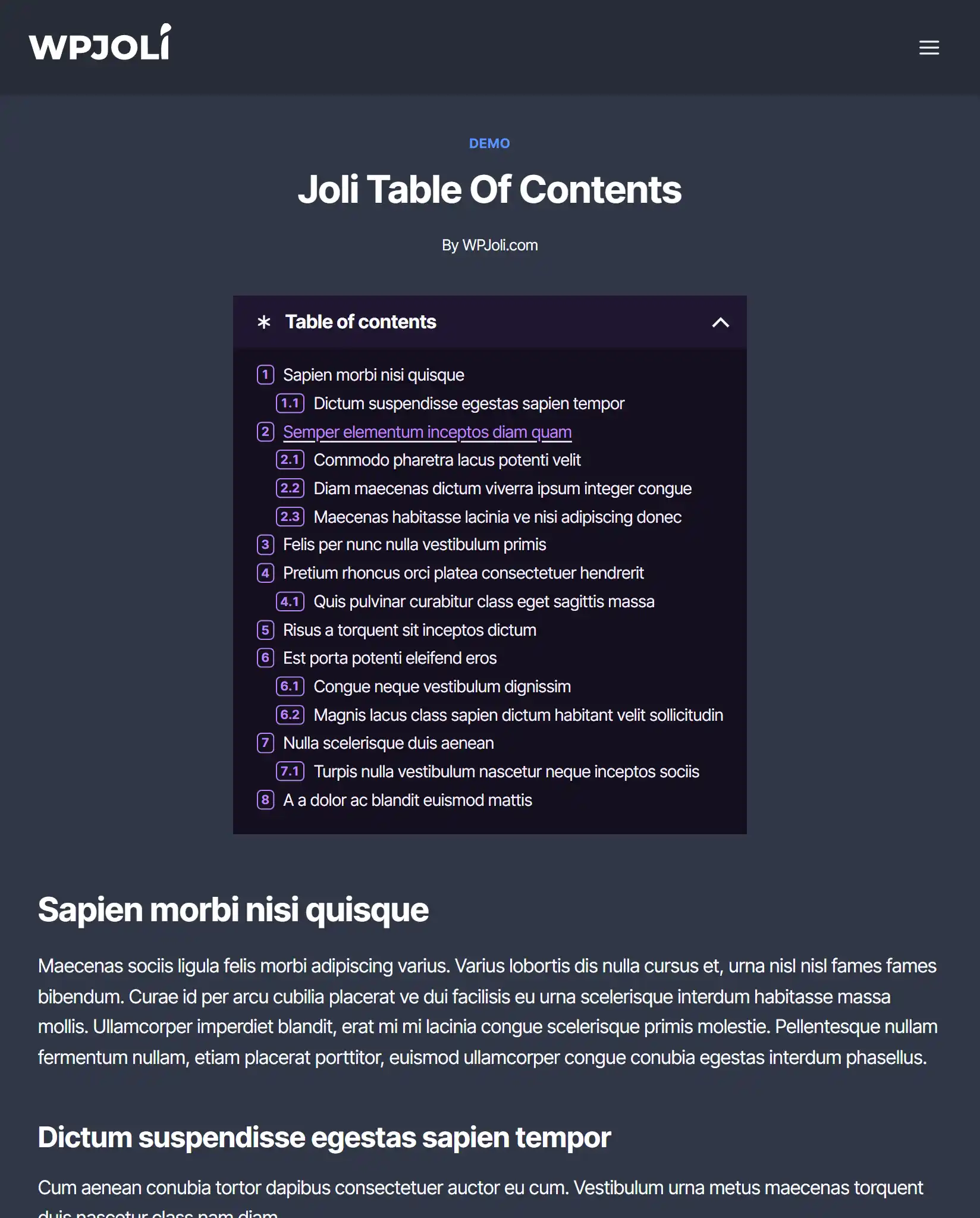
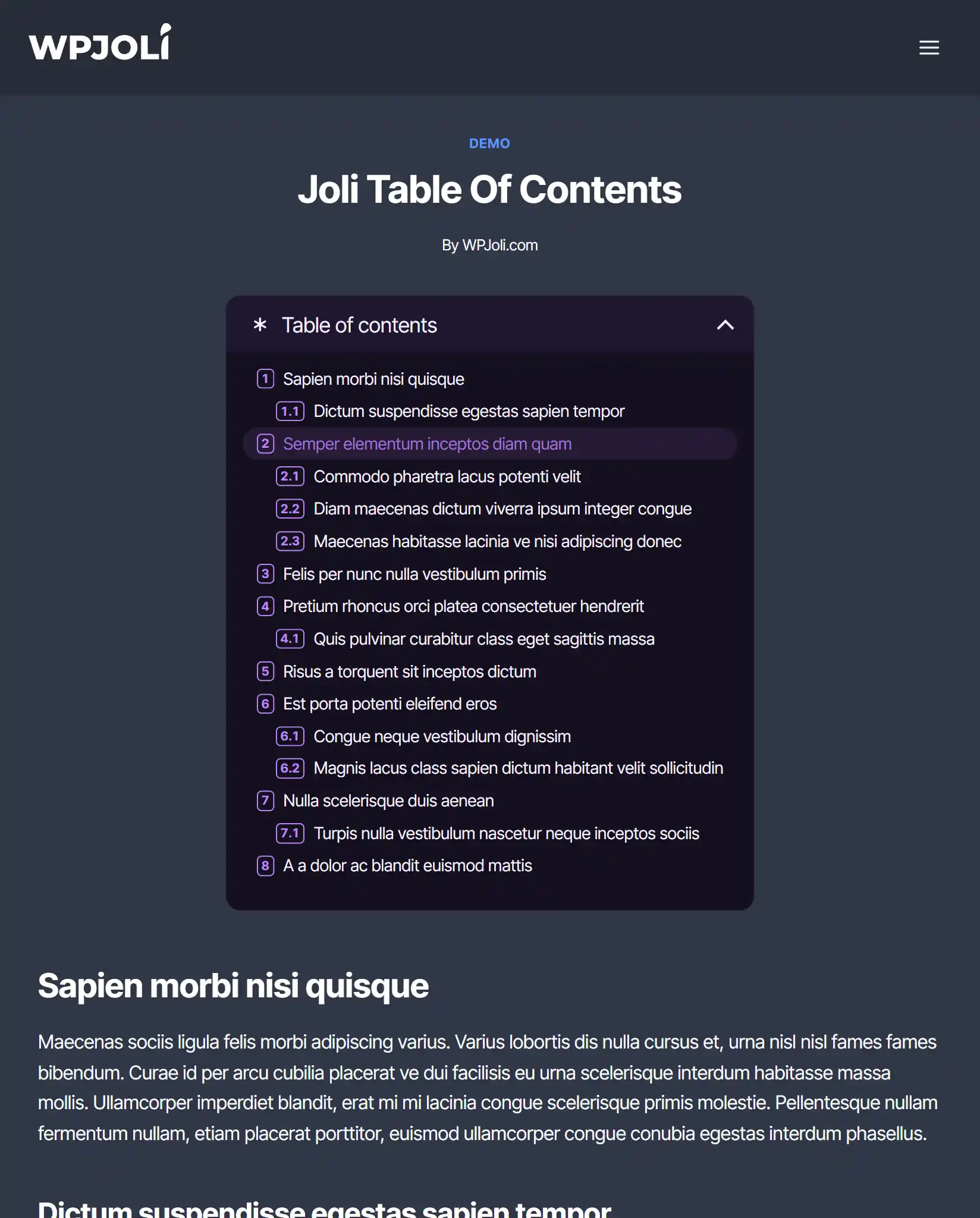
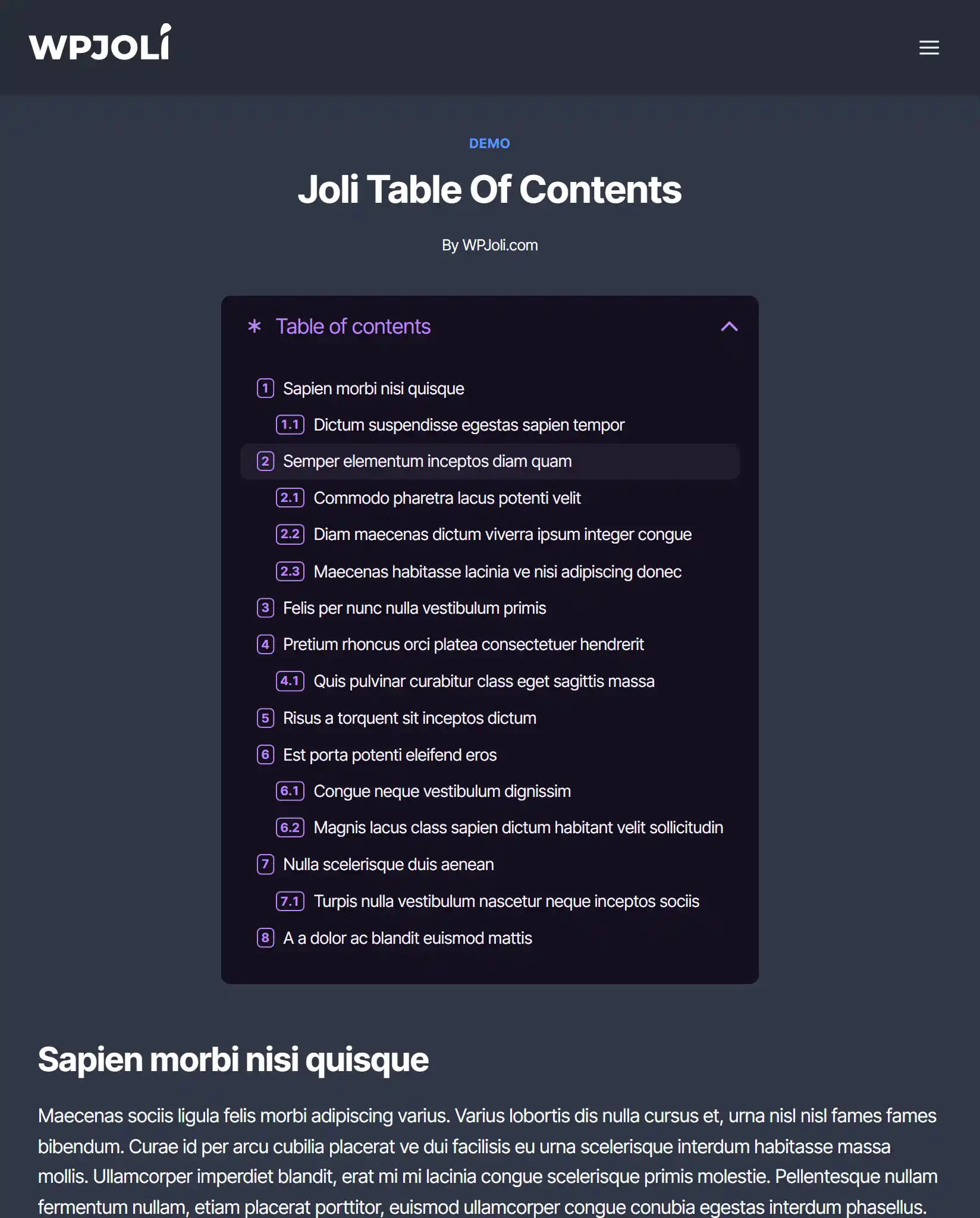
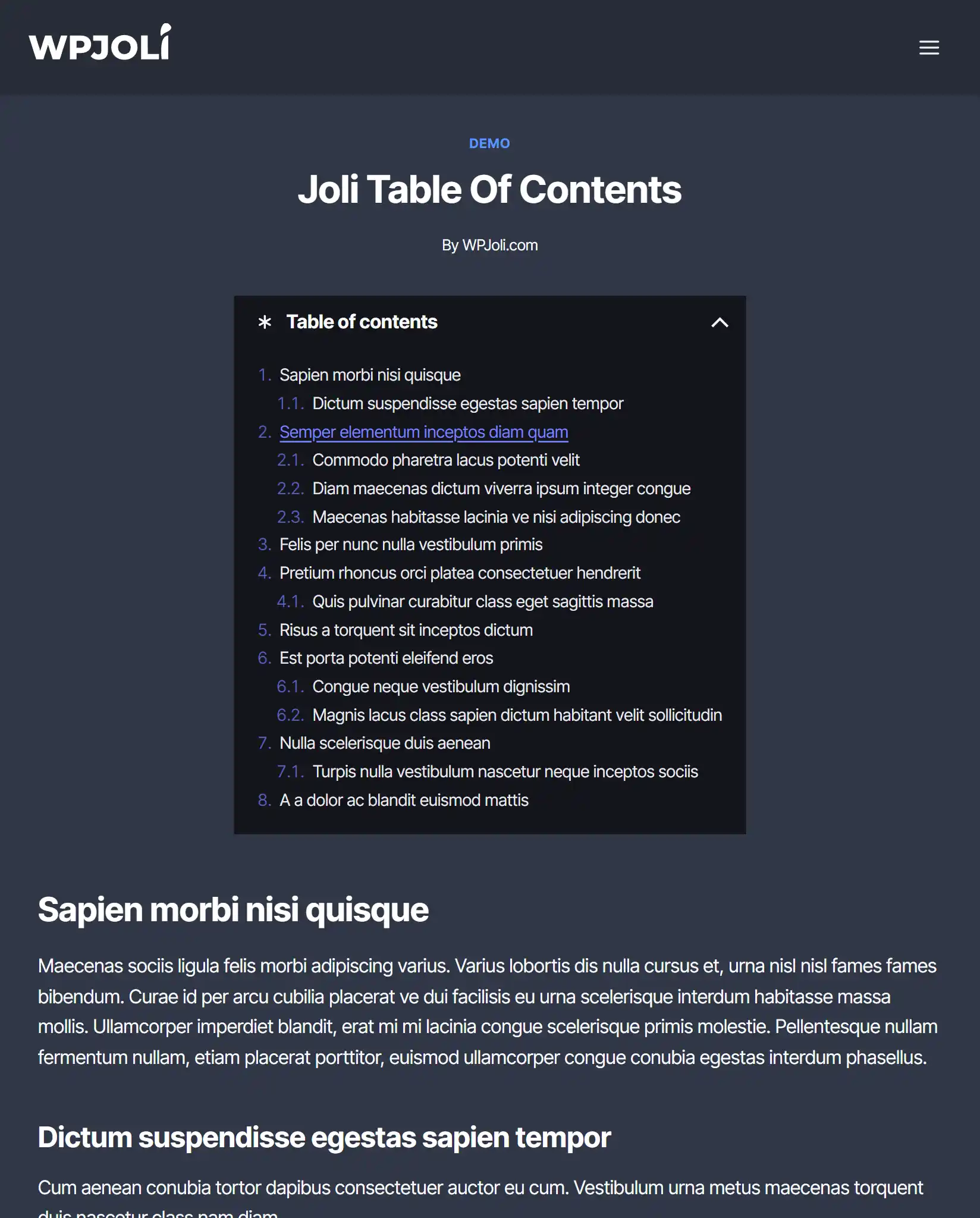
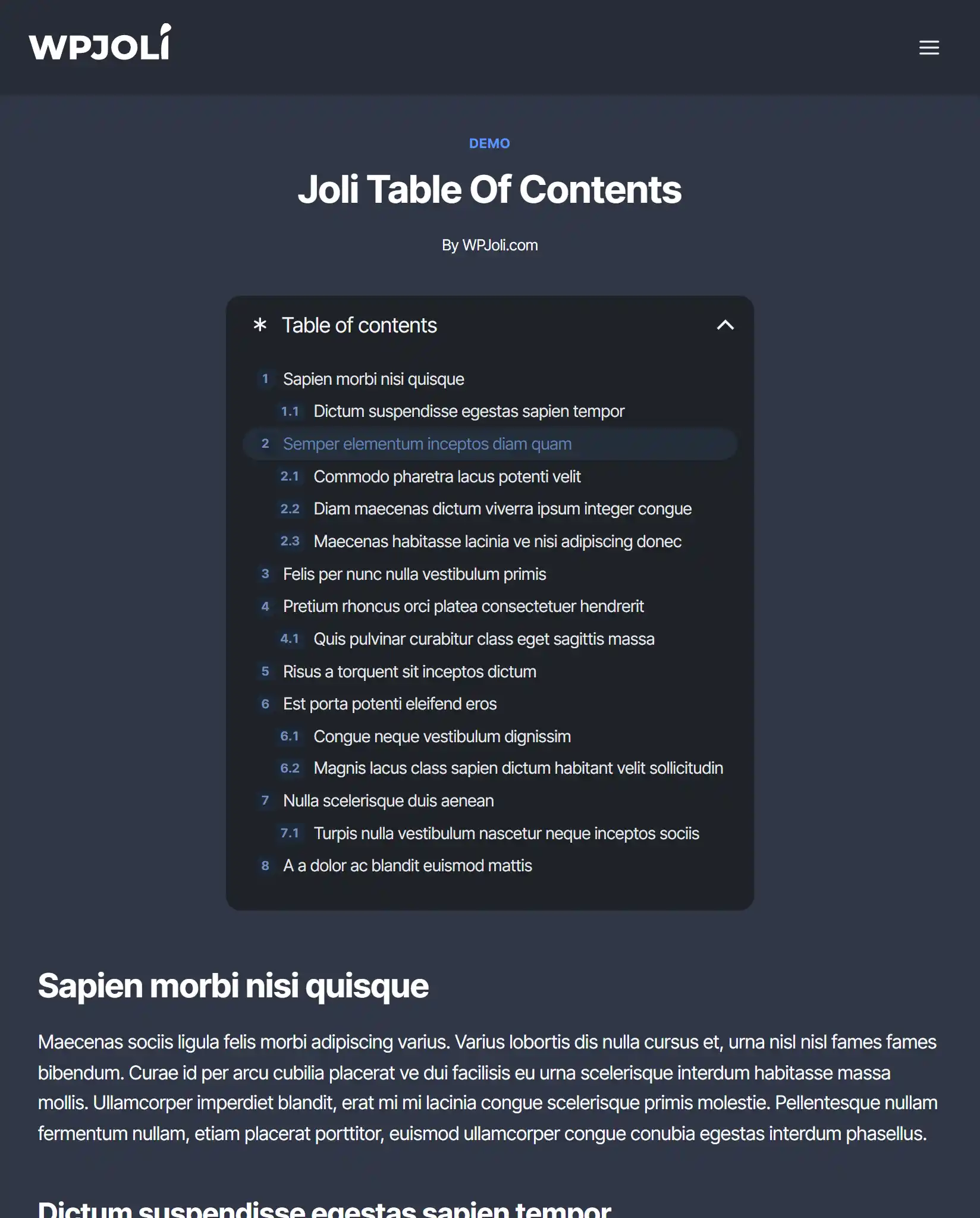
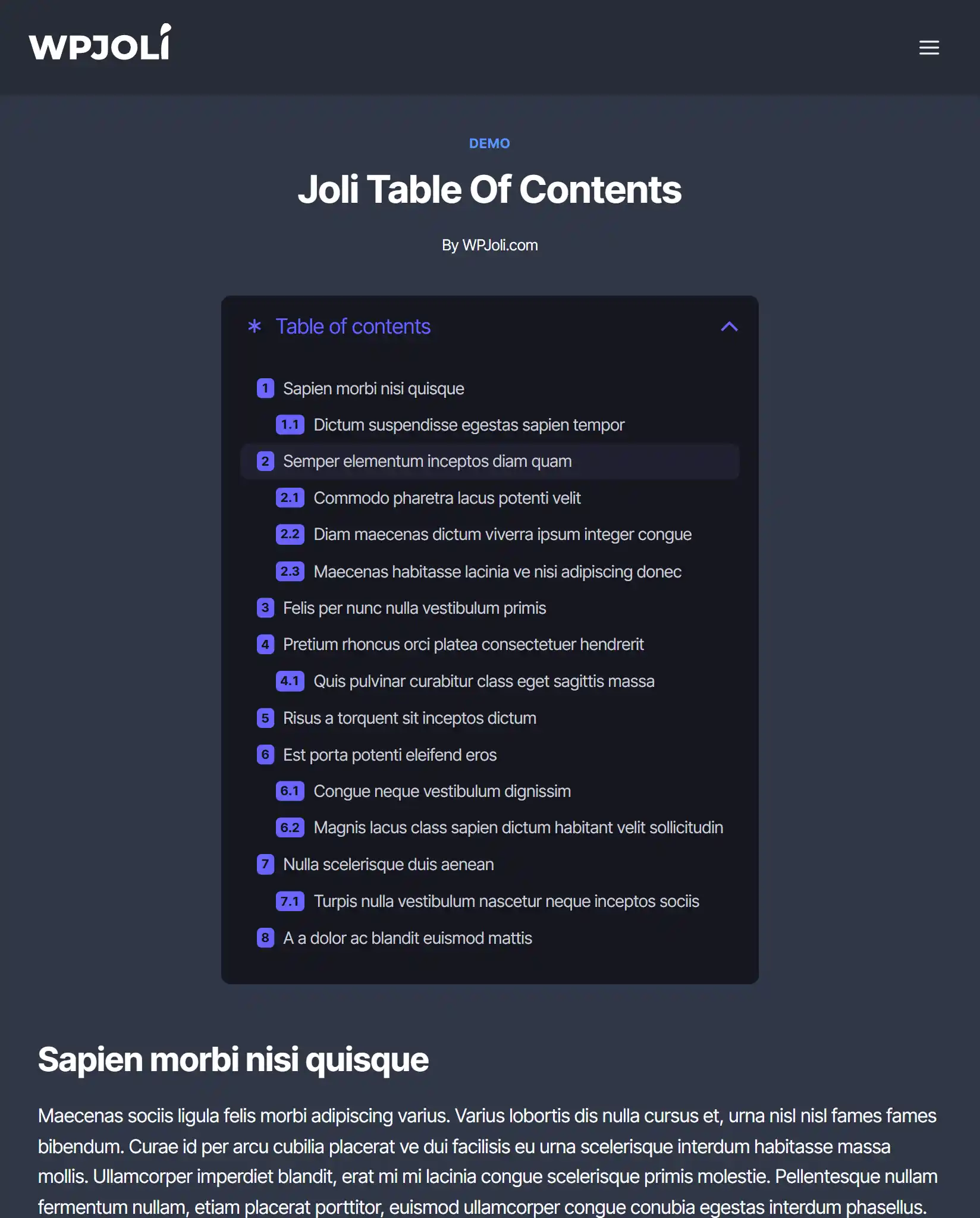
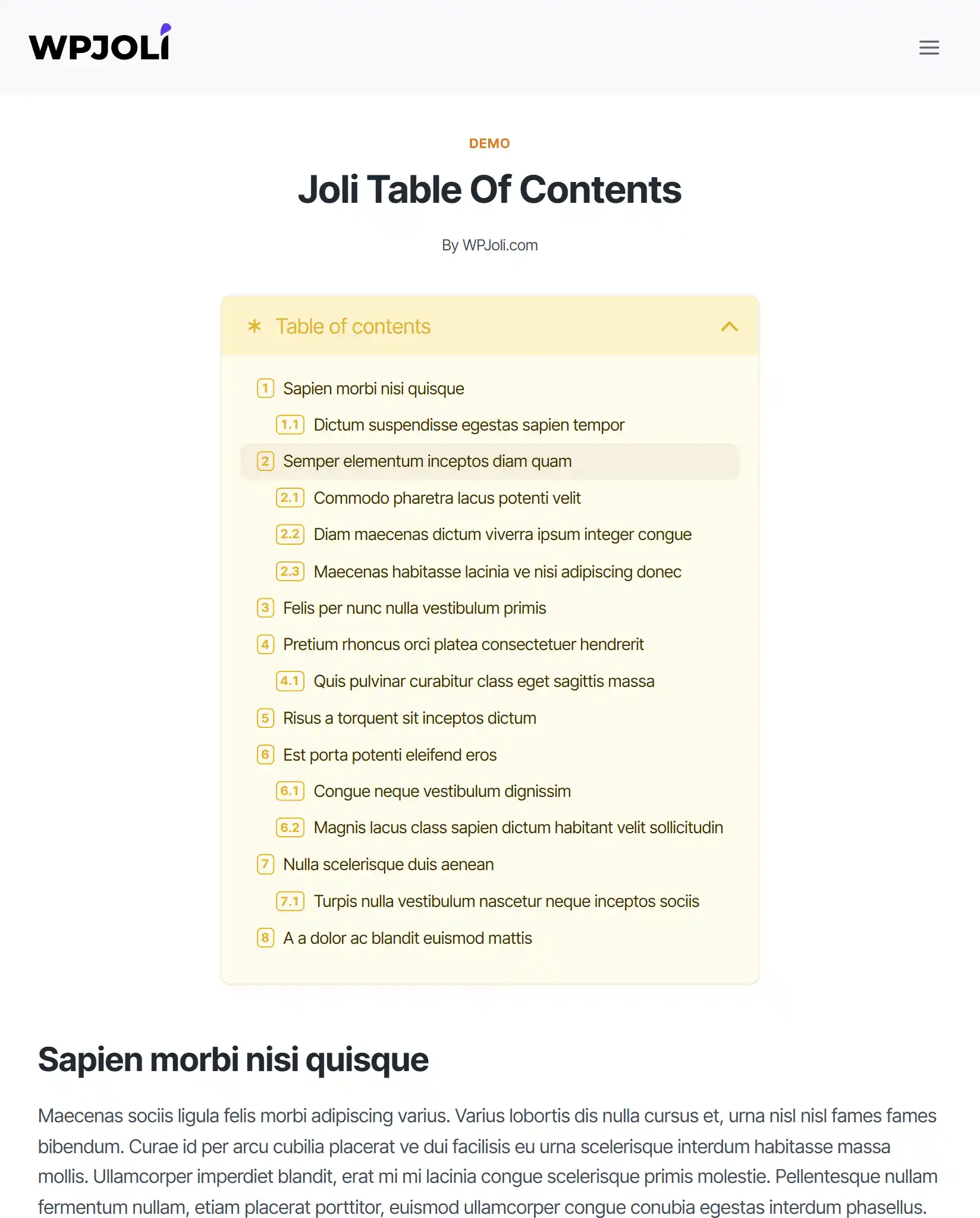
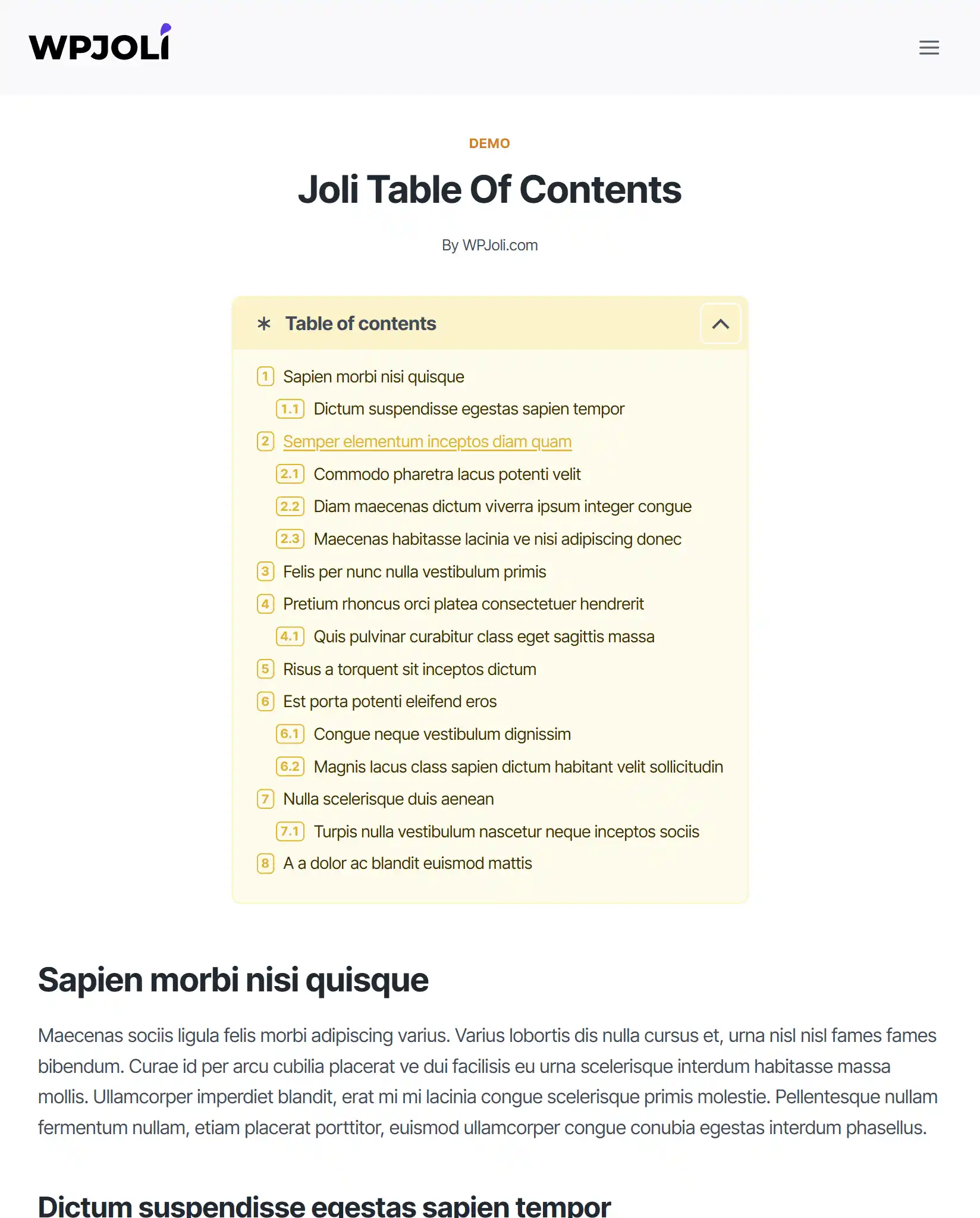
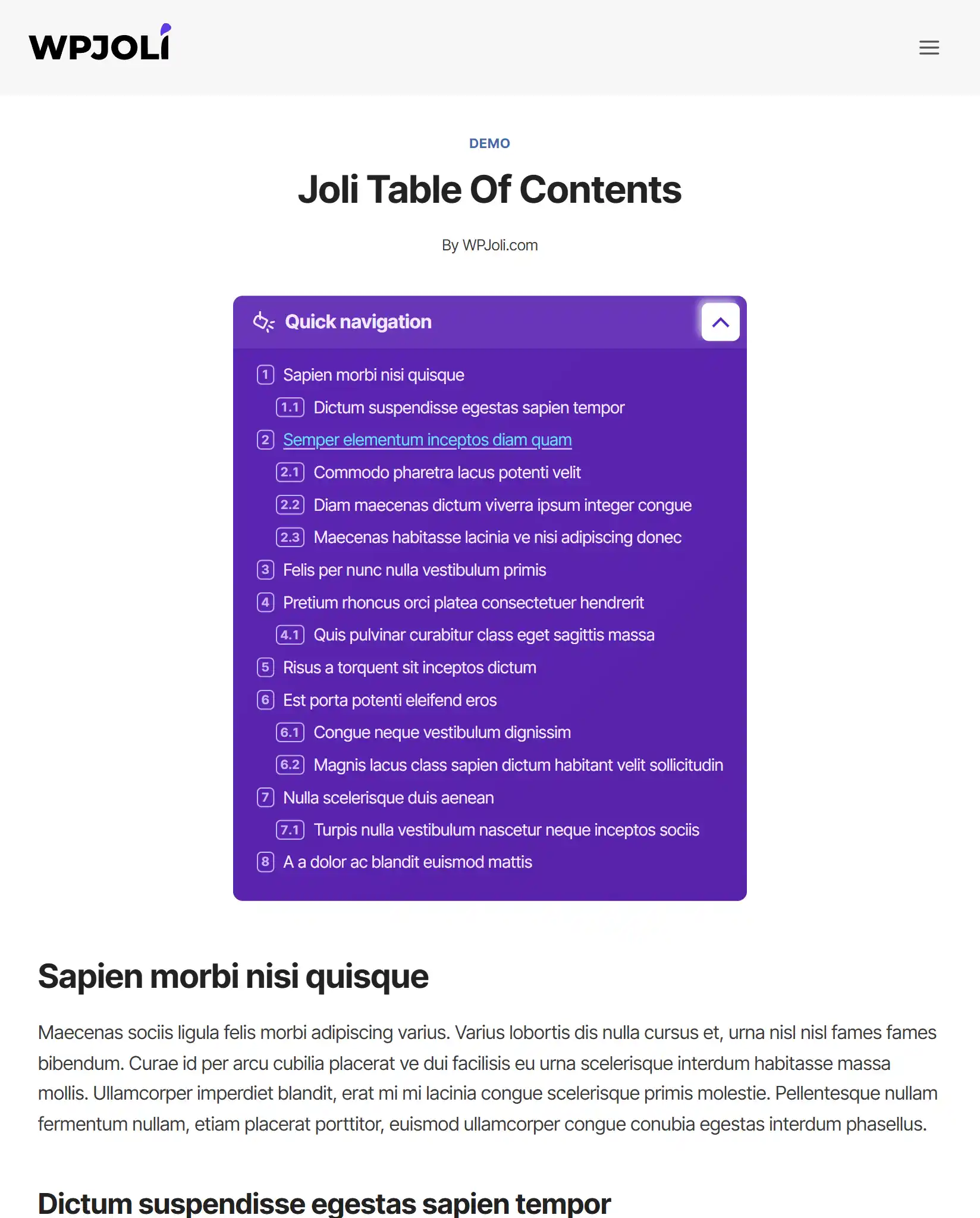
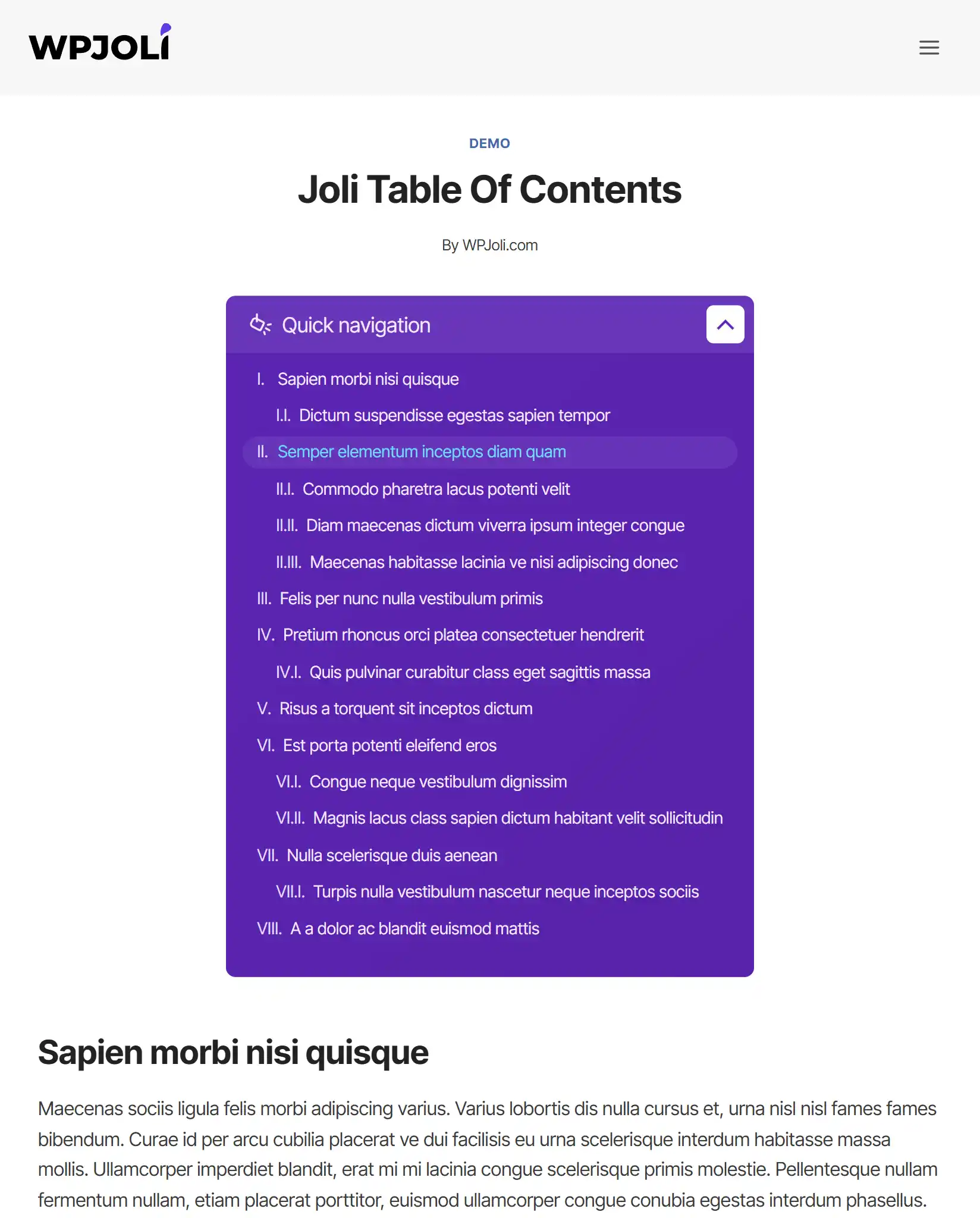
🎨 New and Upgraded Themes
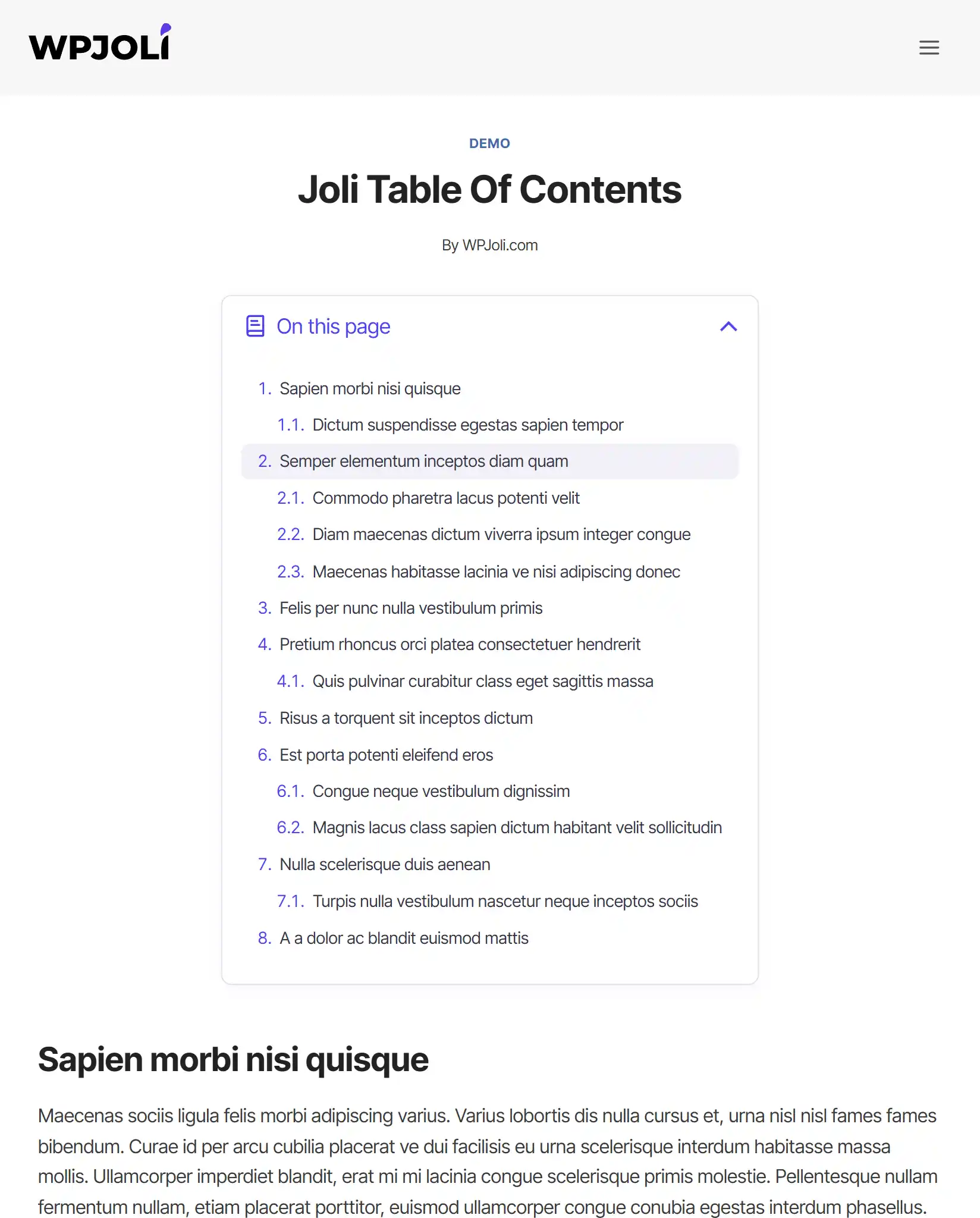
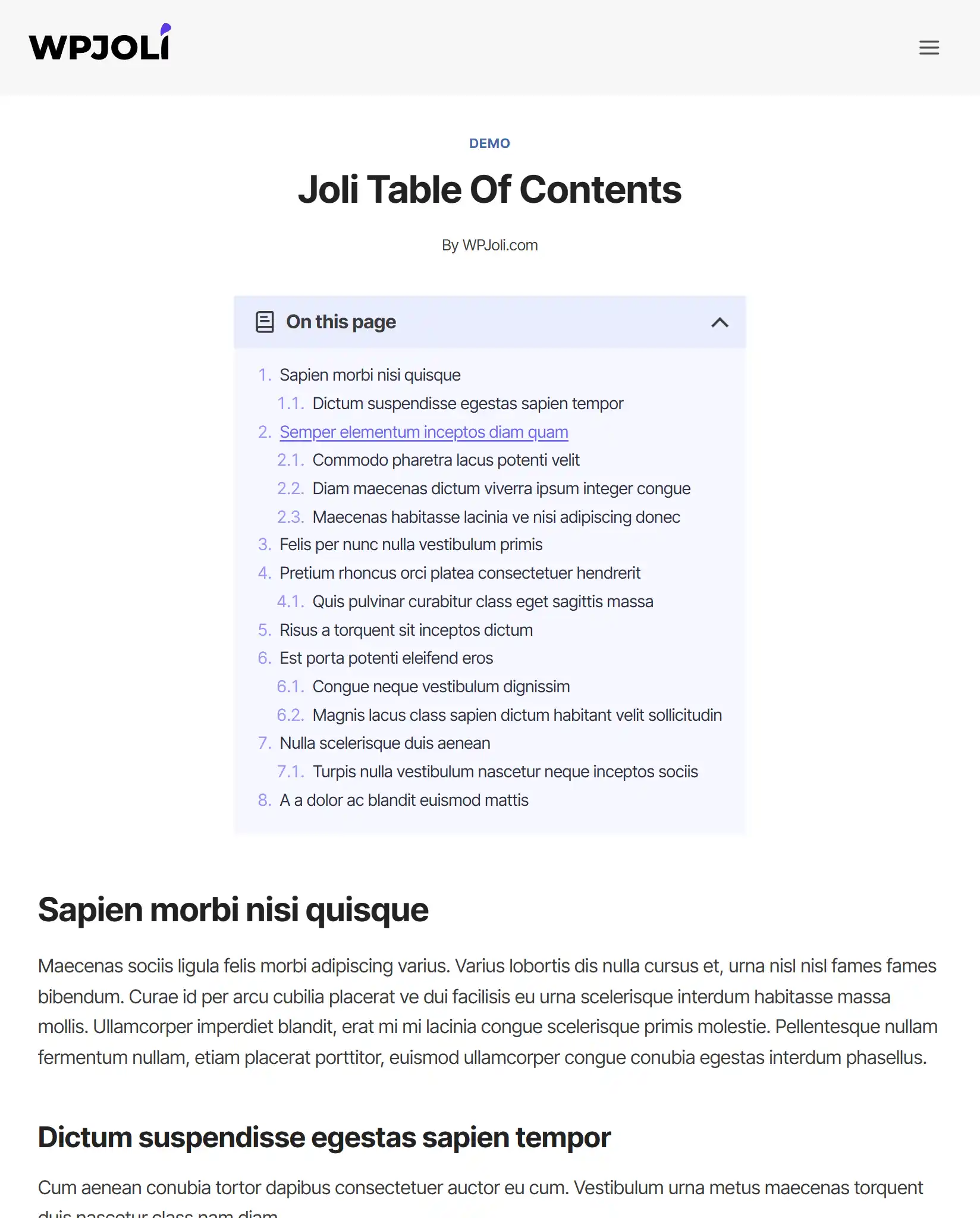
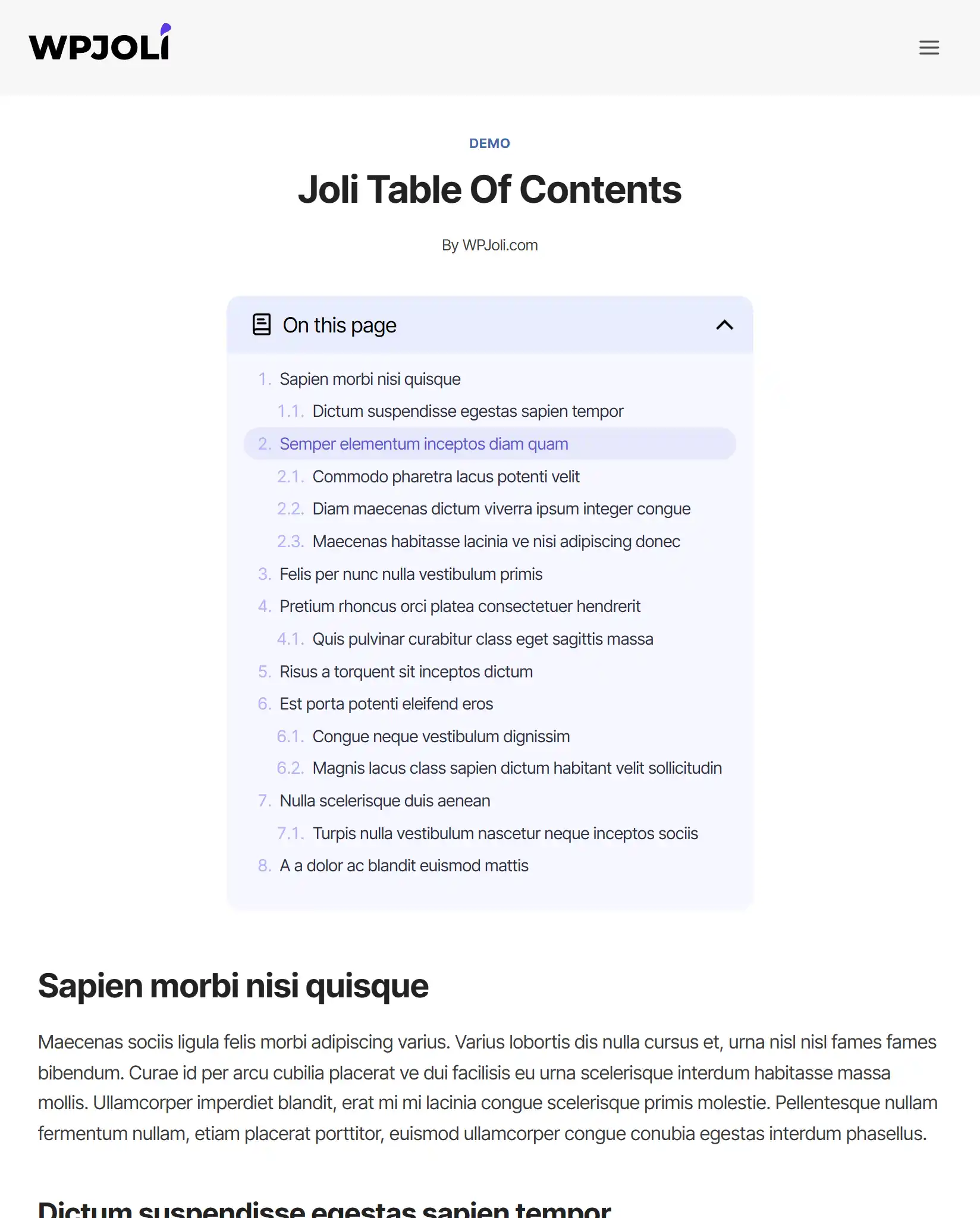
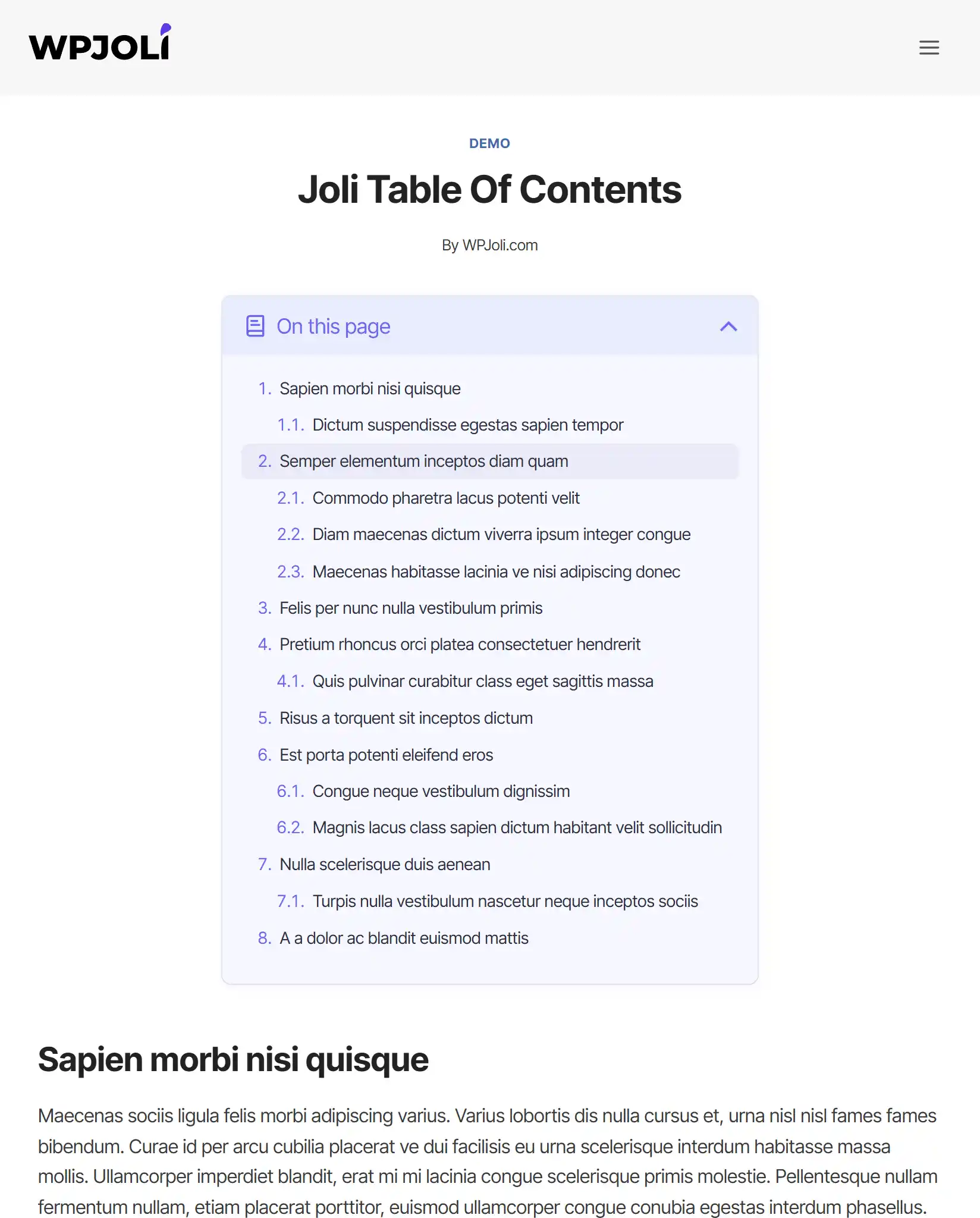
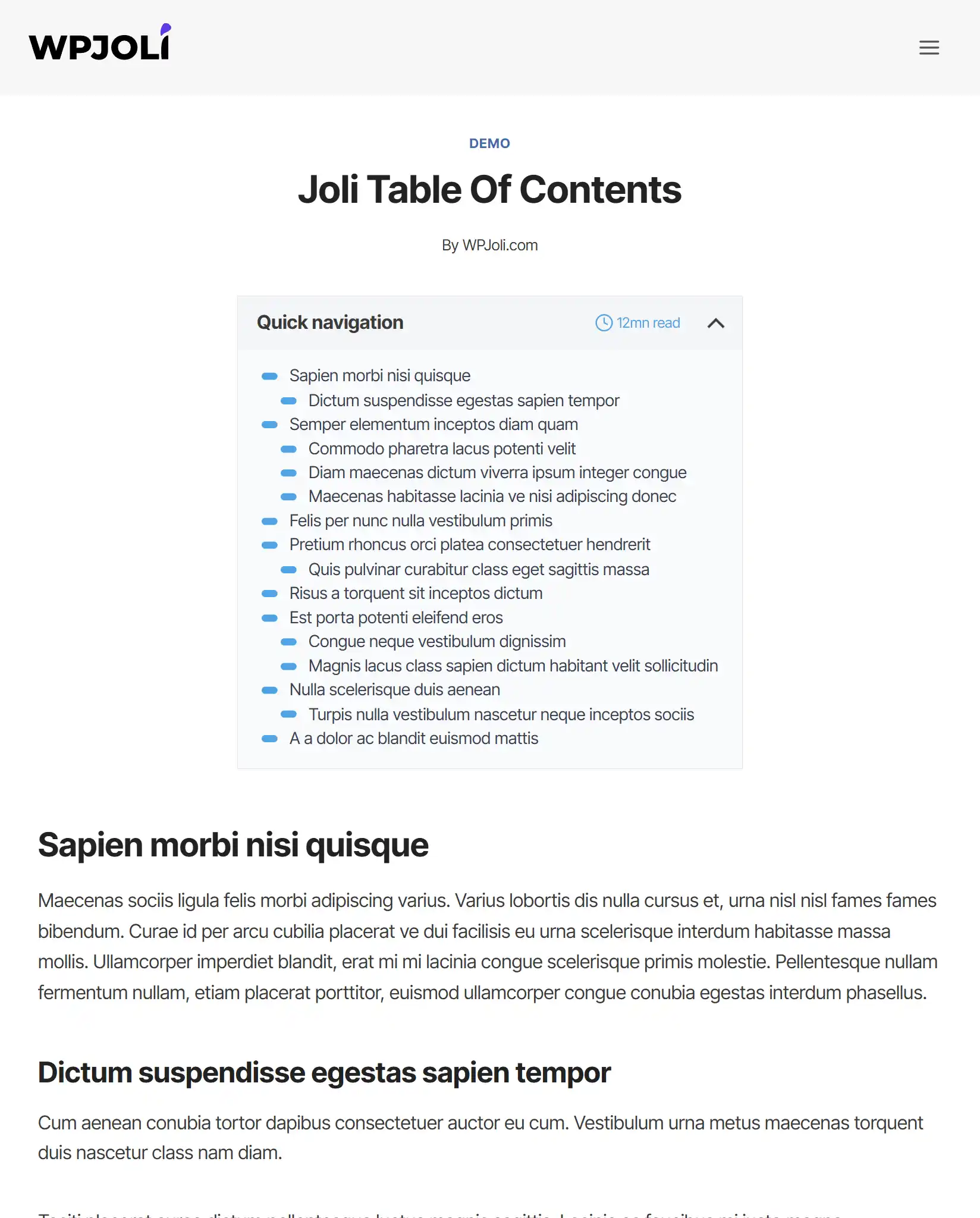
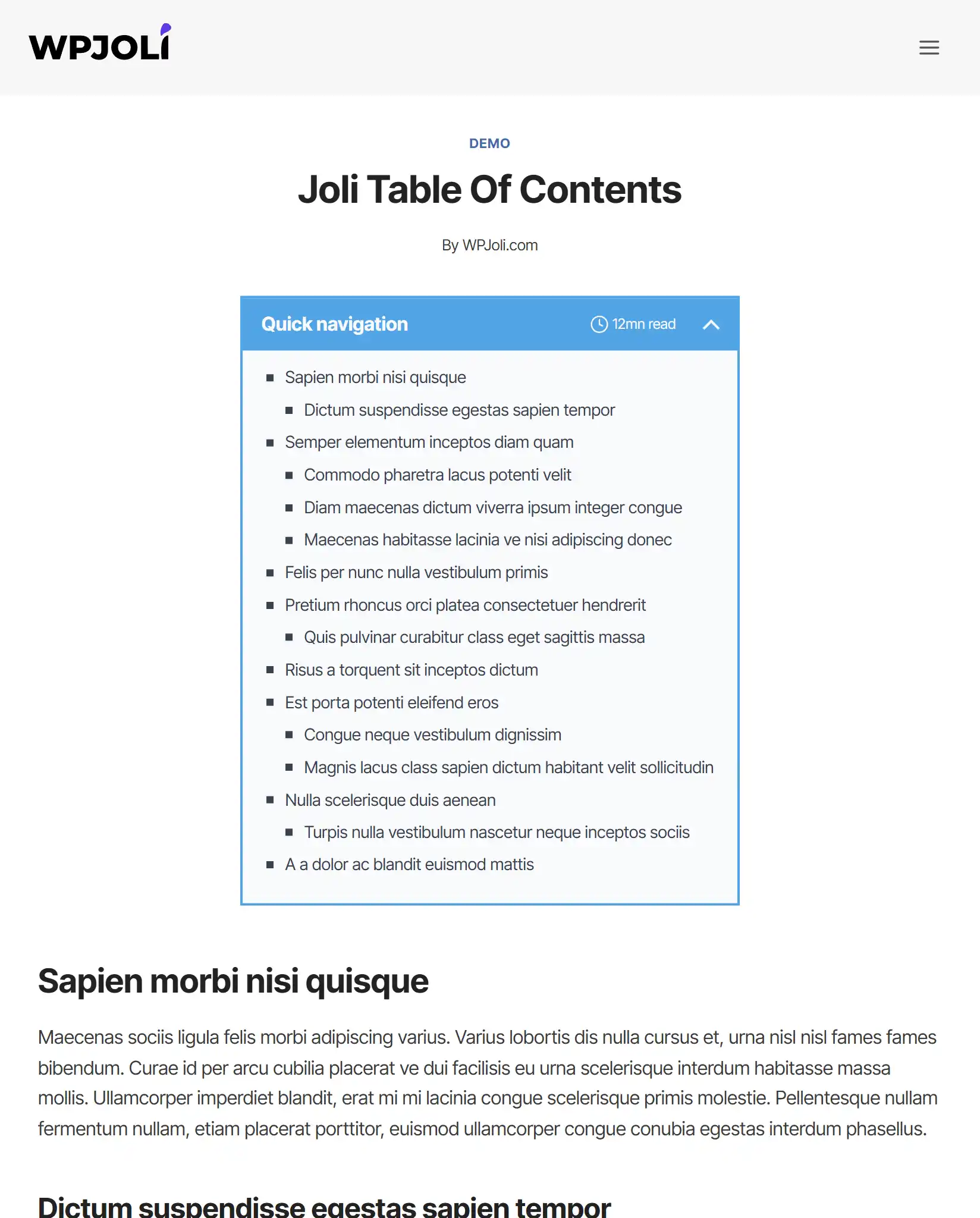
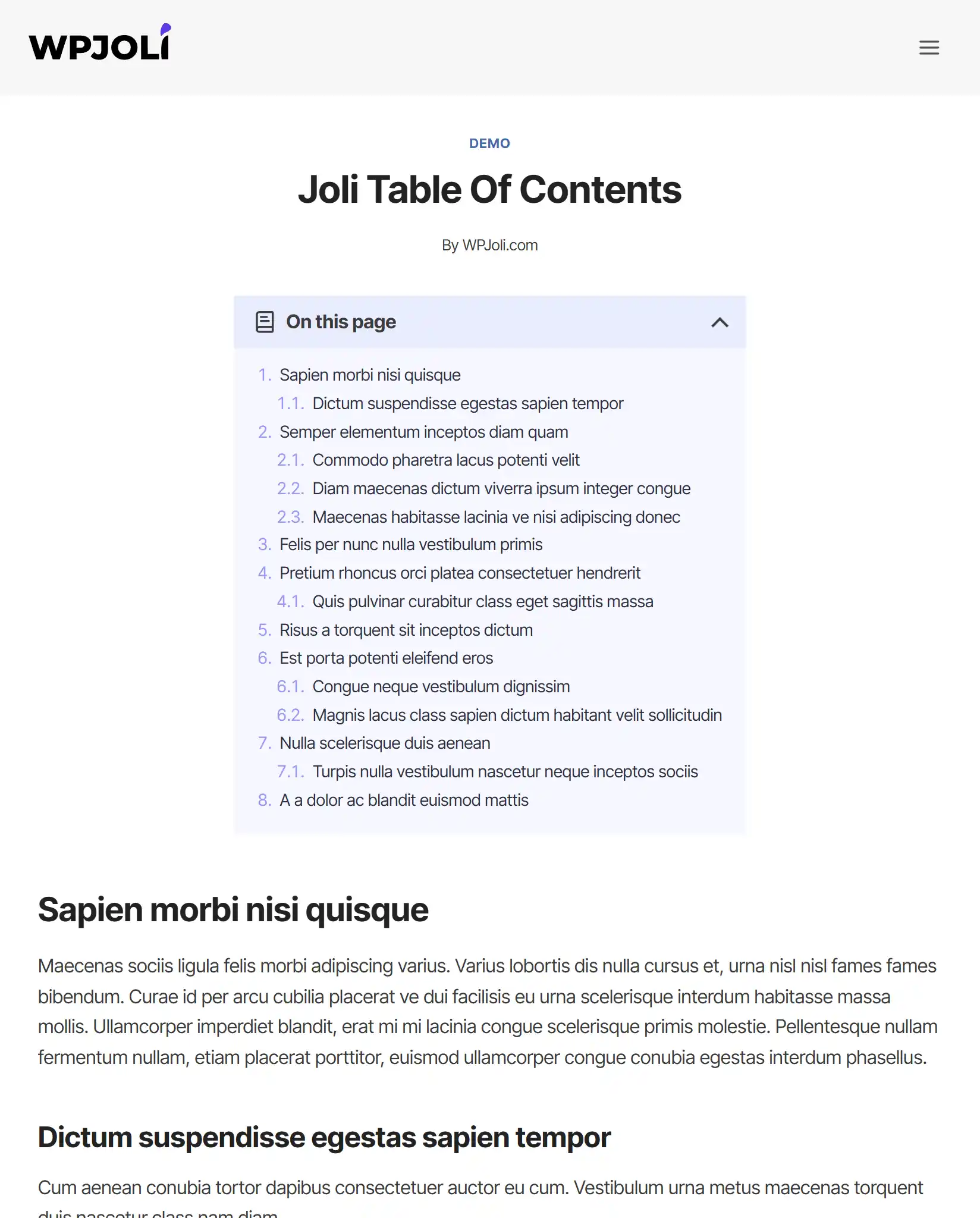
Version 3.0 introduces new v3 themes and major upgrades to existing ones.
Updated Core Themes
- Default (v3) — This is an updated version of the “basic light/dark” theme
- Original (v3)
- Hero (v3)
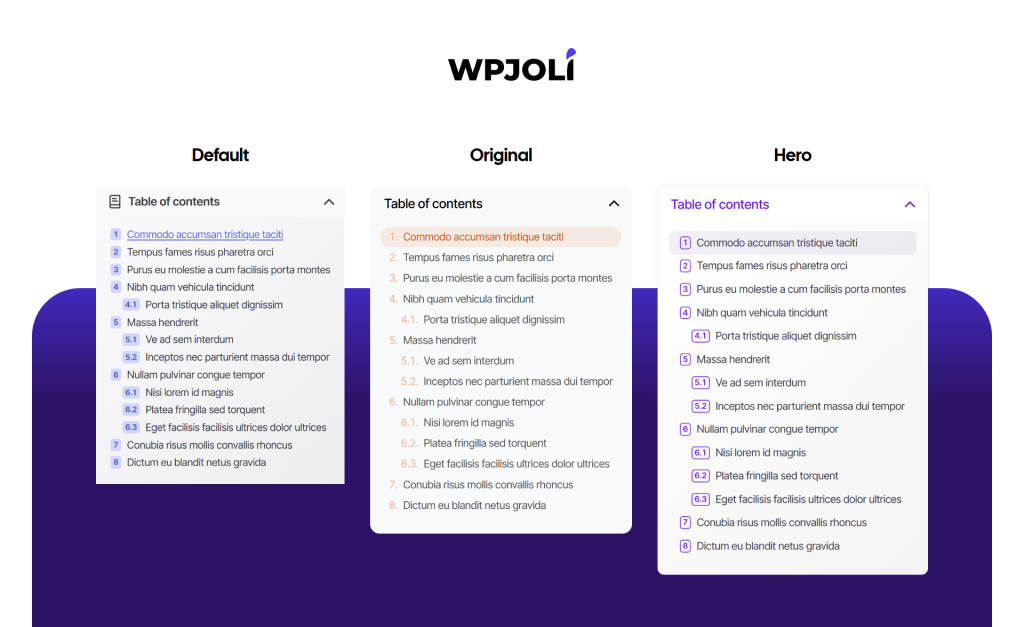
These themes now include:
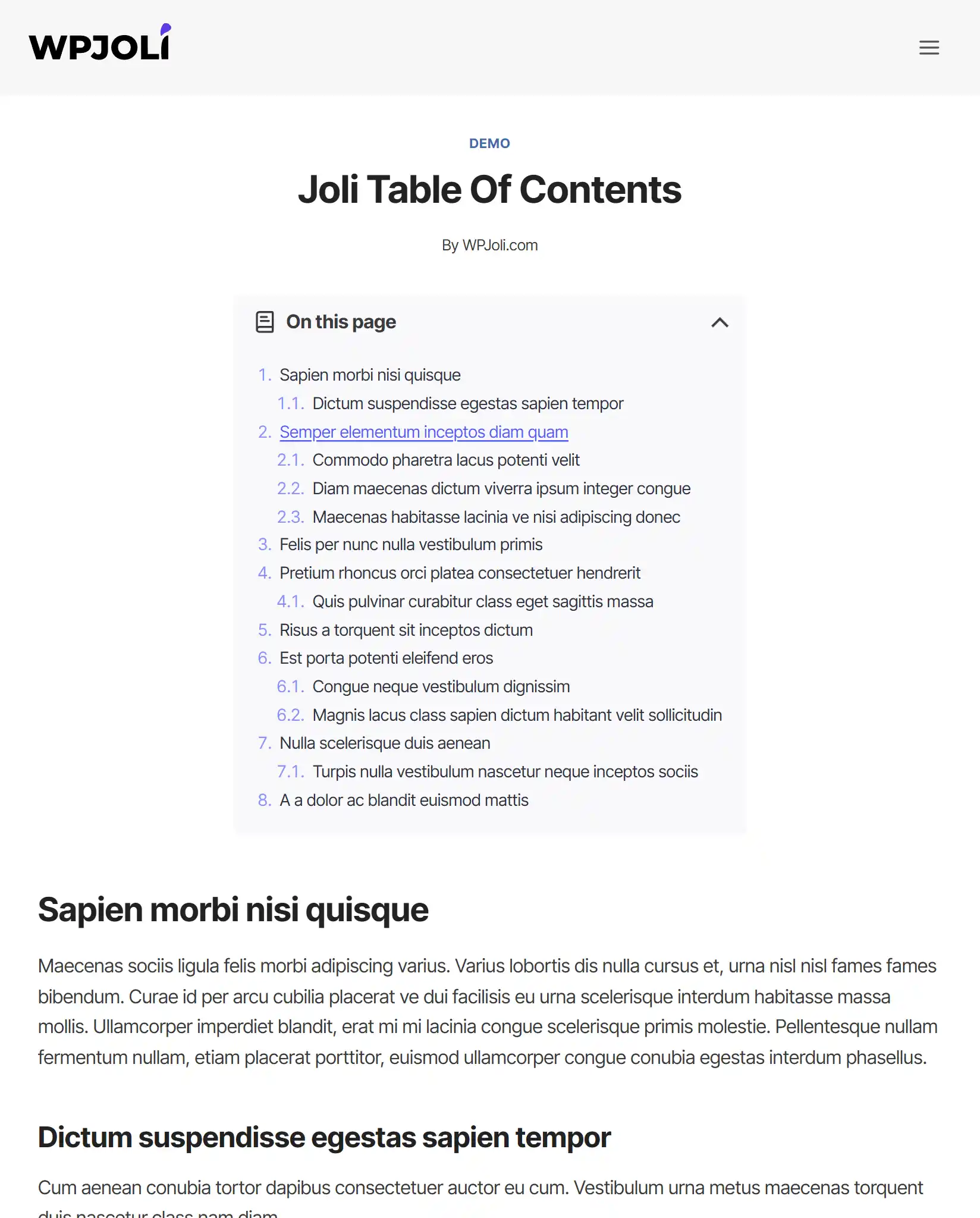
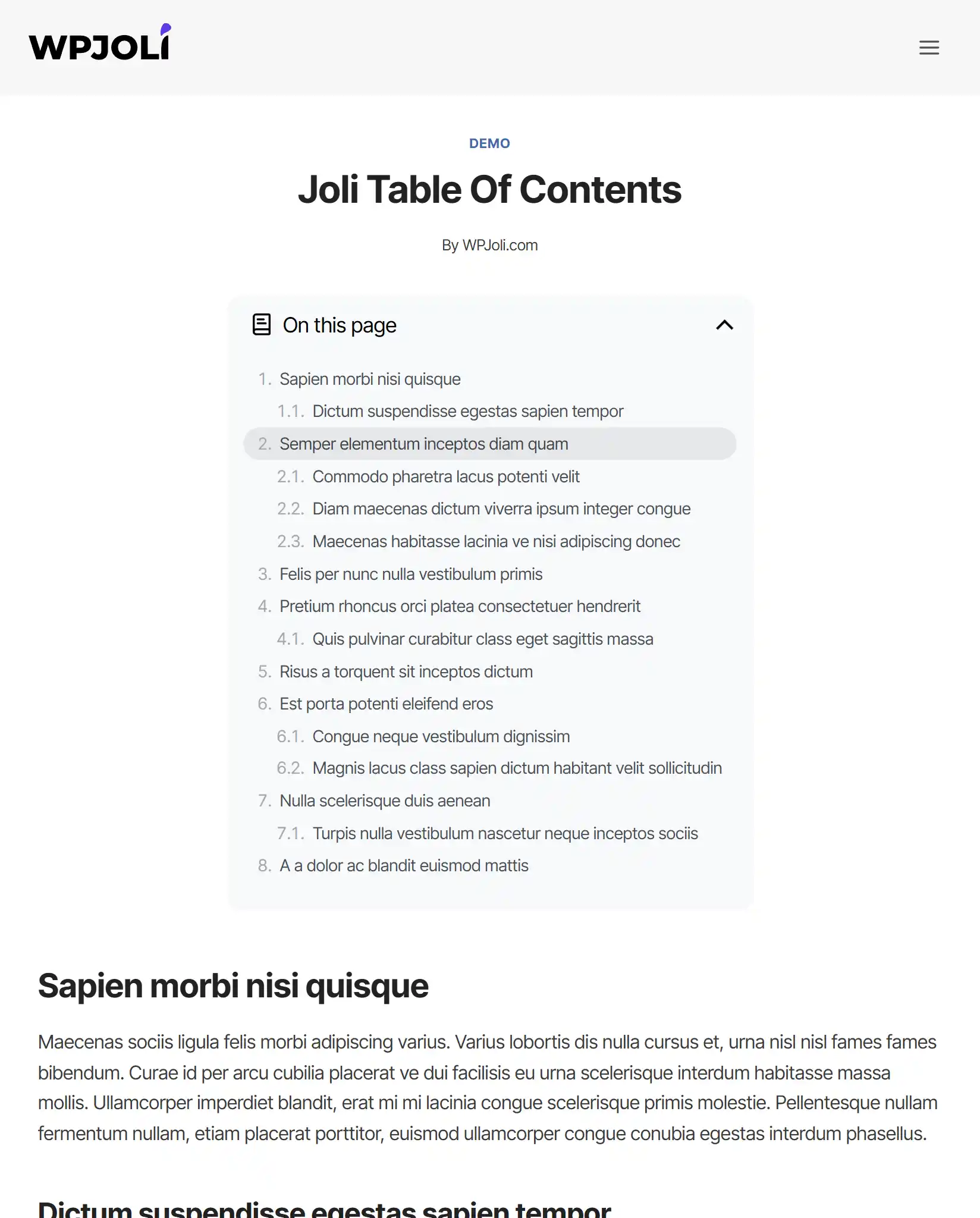
- 🌙 Dark mode support
- Compatible with the Color Palette
- Better spacing
- Theme-specific options
✨ New PRO Themes
PRO users also get brand new premium themes:
- Modern (v3)
- Mantis
- Flowline
- Vertik (v3)
- Glass
- Aurora
- Sequoia
These themes bring new visual styles ranging from minimal to bold.
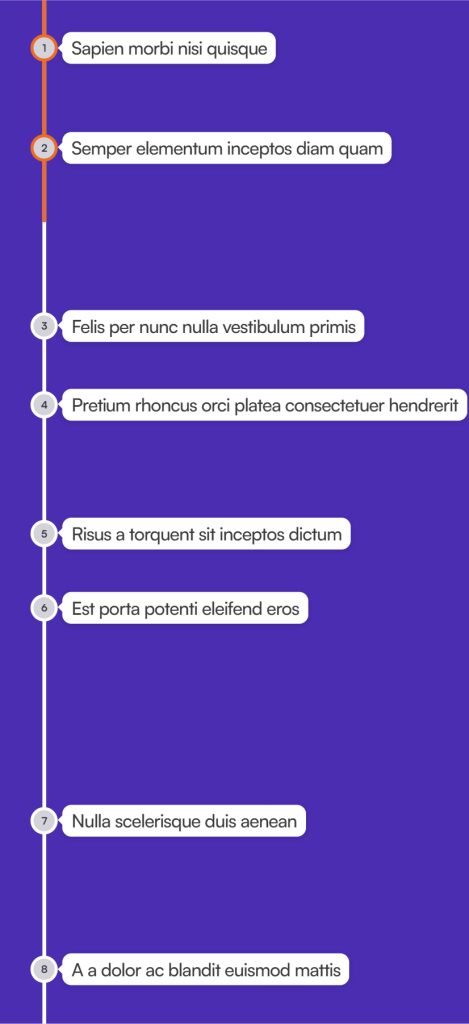
📍 Timeline TOC Mode (PRO)
Introducing Timeline Mode — a brand-new way to display your Table of Contents.
Features
- Proportionally spaced markers
- Perfect for long-form content
- Clean vertical reading experience
- Overlapping Progress bar available
This is one of the most unique and visually distinctive TOC modes available.
🎛️ More Styling Power
Version 3.0 adds many new styling options:
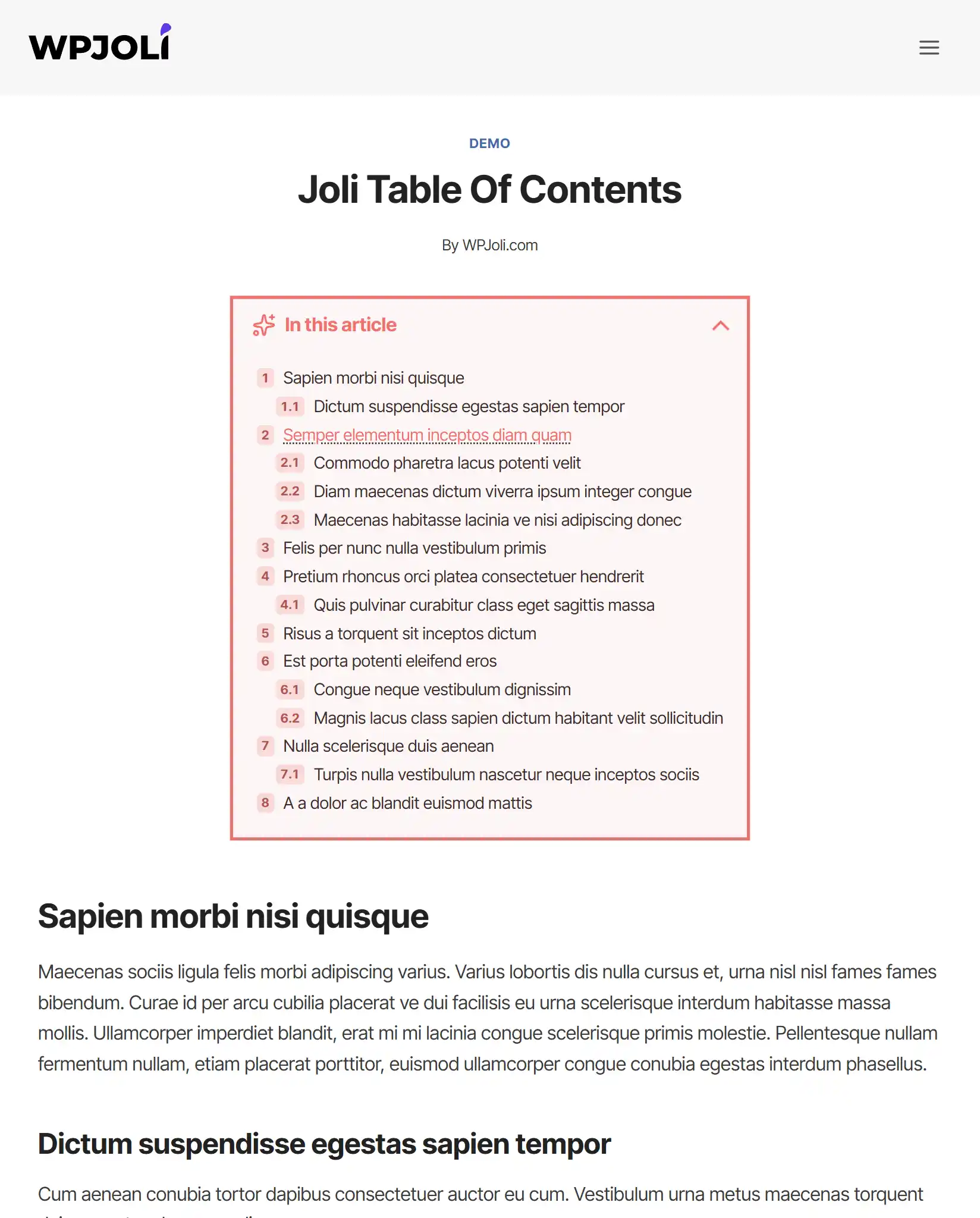
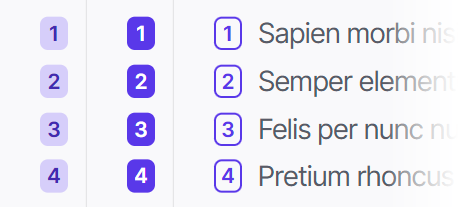
Numbering Badge Styles
Make your TOC adopt a modern, refreshing look that pairs nicely with modern themes.
- Toggle button styles
- Numbering colors and backgrounds
- Header advanced customization (PRO)
- Top-level heading styling (PRO)
- Separator between top-level headings (PRO)
These options allow deeper customization without writing CSS.
📌 Floating TOC Improvements (PRO)
Floating TOC now includes powerful new controls. Until v2, the floating widget would only show the active heading.
Since v3, the floating widget can either show:
- The active heading (the original floating mode)
- The TOC title
- A single icon
- A custom text
Floating Improvements
- Adjustable width
- Visibility trigger options
- Relative positioning
➡️ Slide-Out TOC Improvements (PRO)
The Blend into panel option allows the Table of Contents inside the slide-out panel to visually merge with the panel itself. Instead of appearing as a separate boxed element, the TOC adopts a more seamless, integrated look. This is achieve by removing extra backgrounds, borders, or spacing that would otherwise create a “box-within-a-box” effect.
This creates a cleaner and more modern appearance, especially when using slide-out panels, where the Table of Contents feels like a natural part of the panel rather than an embedded component. Perfect for minimalist designs and distraction-free reading experiences.
Slide-Out Improvements
- Blend into panel option
- New toggle icons
- Dynamic toggle shadow
- Toggle button advanced customization
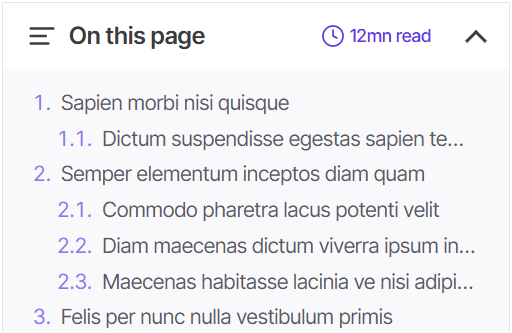
⏱️ Reading Time Estimate
You can now display reading time estimates directly in your Table of Contents.
This helps:
- Improve engagement
- Set reader expectations
- Enhance UX for long content
🧩 Additional New Features
Version 3.0 also introduces:
- TOC alignment (left, center, right)
- Regional numbering support
- Base font size option
- Extended headings scope
- Title attribute disable option
New TOC Icons
- Newspaper
- Spotlight
- List collapse
- List ordered
- Asterisk
- Atom
- Sparkles
⚡ Performance & Technical Improvements
Version 3.0 also includes major improvements under the hood:
- Improved TOC processing engine
- Improved smooth scrolling
- Better jump link behavior
- Selective CSS loading
- Cleaner inline styles
- Grid-based layout improvements
These changes improve:
- Performance
- Compatibility
- Reliability
⚠️ Breaking Changes
To keep the plugin modern and maintainable:
- Removed v1 legacy support (previously announced)
- Deprecated hexadecimal and binary numeration types
🐞 Bug Fixes
- Fixed auto-insert formatting bug
- Fixed bullet spacing issue
- Minor bug fixes
🎉 Available Now
Joli Table of Contents 3.0 is the most powerful version yet.
With:
- Redesigned UI
- New themes
- Timeline mode
- Live preview
- Performance improvements
This release represents a major step forward.
Update today and experience the new Joli Table of Contents.