The slide-out table of contents shows a table of contents in a slide-out panel that slides from the edge of the screen.
How to add a Slide-out Table of Contents
Prerequisite: an inline table of contents must be in the content for the Slide-out TOC to work.
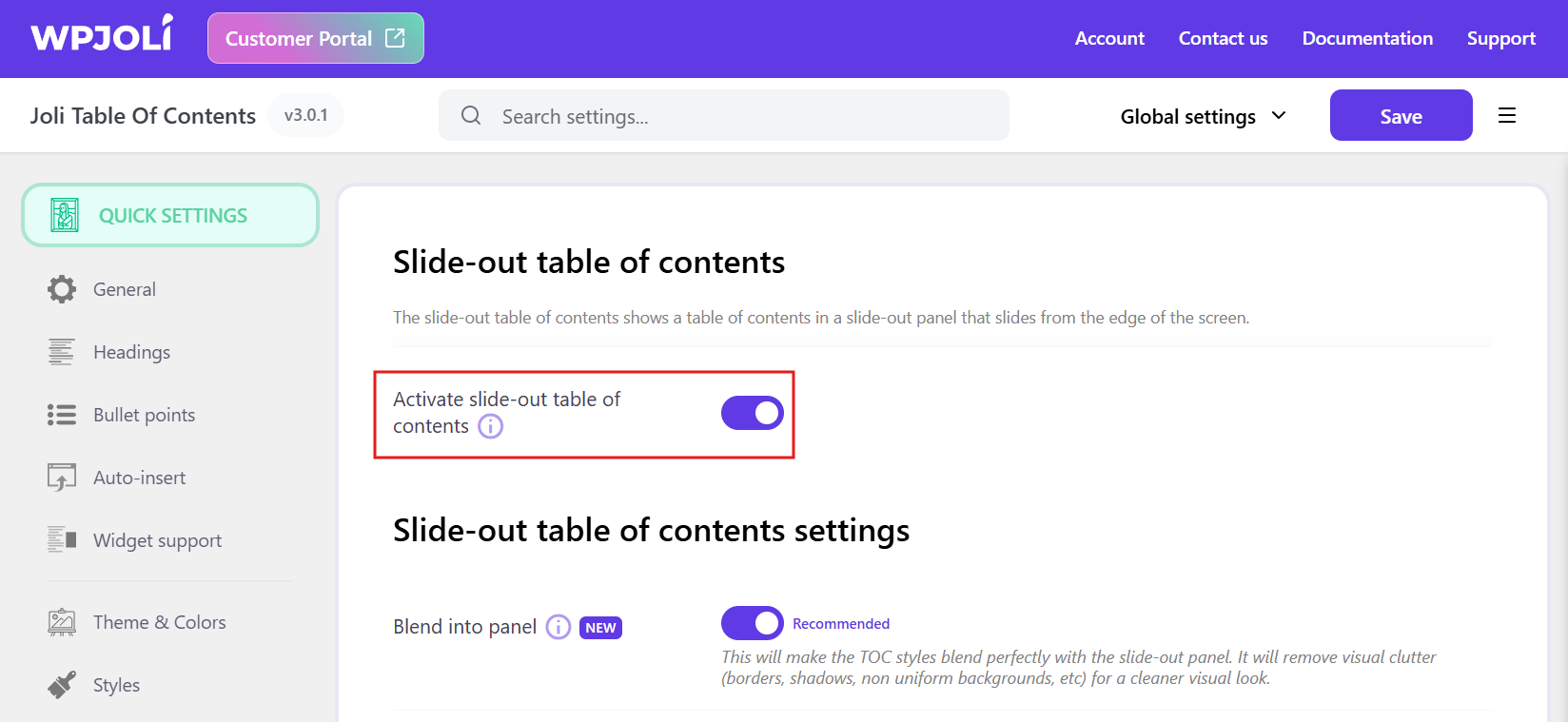
After ensuring you have an inline table of contents, switch on Activate slide-out table of contents (under Floating TOC > Slide-out table of contents), select the desired Floating mode and adjust the settings to your liking.
How to adjust the Slide-out appearance ?
By default, the slide-out TOC looks is based on the selected theme.
Adjust the Padding for more or less empty space around the TOC.
For a cleaner look of the table of contents within the Slide-out, switch on the Blend into panel option
How to add custom content in the Slide-out panel ?
To add custom content at the top/bottom of the panel, you need to:
- Switch on Top box / Bottom box (under Slide-out TOC > Slide-out custom content boxes).
- Add custom content through the top or the bottom action hook
The content must be in HTML. You can use shortcodes as well.
This way, you can add custom elements such as display Ads or Call-To-Action.